
Download your data, secure your account or delete am
For short
Export customers as CSV or download everything as one file from Profile → Security and data. Turn on two-step login there too. Delete your account from Profile.
For this page
Your ledger dey live for Credit Khata servers, so if your phone lost or spoil, your credit book no go go with am. To keep your own copy, export your customer list with Export CSV for Kostoma dem, or, as di owner, download everything as one file from Profile → Security and data → Download. Na di same screen you go take on two-step login. If one day you wan comot, Comot my account for Profile go start 30-day countdown for shop account, so if na mistake, you fit still undo am.
Export your data
| Wetin | Where | Who |
|---|---|---|
| Customer list with phone, opening balance, credit, payments and balance | Kostoma dem, den di download button (Export CSV) for top | Everybody wey fit see customers |
| Everything for your shops: customers, entries, products, expenses, suppliers and staff (no passwords) | Profile → Security and data → Download your data, or Profile → Backup & restore | Na only owner |
| One customer history | Statement for di customer page, den Print / Save as PDF | Owner and managers |
Di CSV dey open for any spreadsheet program and e dey useful for your accountant. E dey export only di customers wey dey show, so clear any filter first if you want everybody. Di full download na di one to keep as backup, and e free for every plan. For di Android app, di owner go find am under Profile → Backup & restore → Download backup, and you fit share di customer list as CSV from Kostoma dem.
Backup & restore (for Profile for both apps) also get Email me backup every week and Restore from backup, wey dey add back anything wey dey di file but no dey your shop, and e no dey ever change or delete wetin don already dey. Di weekly email and restore na part of Pro.
Protect your account
Two-step login (owner account): open Profile → Security and data, tap Turn am on under Two-step login and confirm with your password. From dat time, after your password, dem go email you 6-digit code every time you sign in, and e dey work for 10 minutes. Person wey sabi your password still no fit enter without your email.
Devices wey don sign in: Profile → Devices wey don sign in dey list every phone and browser wey don sign in to your account. Sign out any one wey you no know, or tap Comot all di oda devices.
Change password: Profile → Change password. You go need your current password to change your email or password.
App lock (Android): Profile → App lock dey ask for 4–6 digit PIN, or your fingerprint, when di app open, and e fit lock again after few minutes. Di PIN dey stay only for dat phone.
Staff: give each person their own login instead of to share your own. See Give staff their own logins: manager or cashier.
Wetin Credit Khata dey do with your information
- Each shop dey lock separate: no shop fit see another shop customers or ledger.
- Ads no dey, advertising SDKs no dey, and nobody dey sell your information.
- Di apps no dey collect your location, contacts or calendar. Di camera na only to scan QR or barcode, and di picture dey read for your device, dem no dey upload am.
- Customers dey pay you direct; Credit Khata no dey ever process payment or hold money.
Di full details dey for di Privacy Policy.
Delete your account
Shop owner: open Profile, tap Comot my account, put your password to confirm and tap Comot account. Di account go stop to work sharp sharp and 30-day countdown go start. To cancel am, sign in again inside dat 30 days and tap Make I keep my account. When di countdown finish, your shops, customers, ledger entries, products, expenses, supplier records, payment details and pictures wey you upload go clear forever. Customers wey get their own sign-in for your shop go hear first, and their accounts go clear too.
Customer: open My profile for your account page and tap Comot my account. Your sign-in go delete sharp sharp. Di shop go keep im own record of wetin you owe or wetin you don pay; to delete your app account no dey settle debt.
Staff login: if you delete am, na only dat login go comot. Di branch, im customers and im ledger na di shop own.
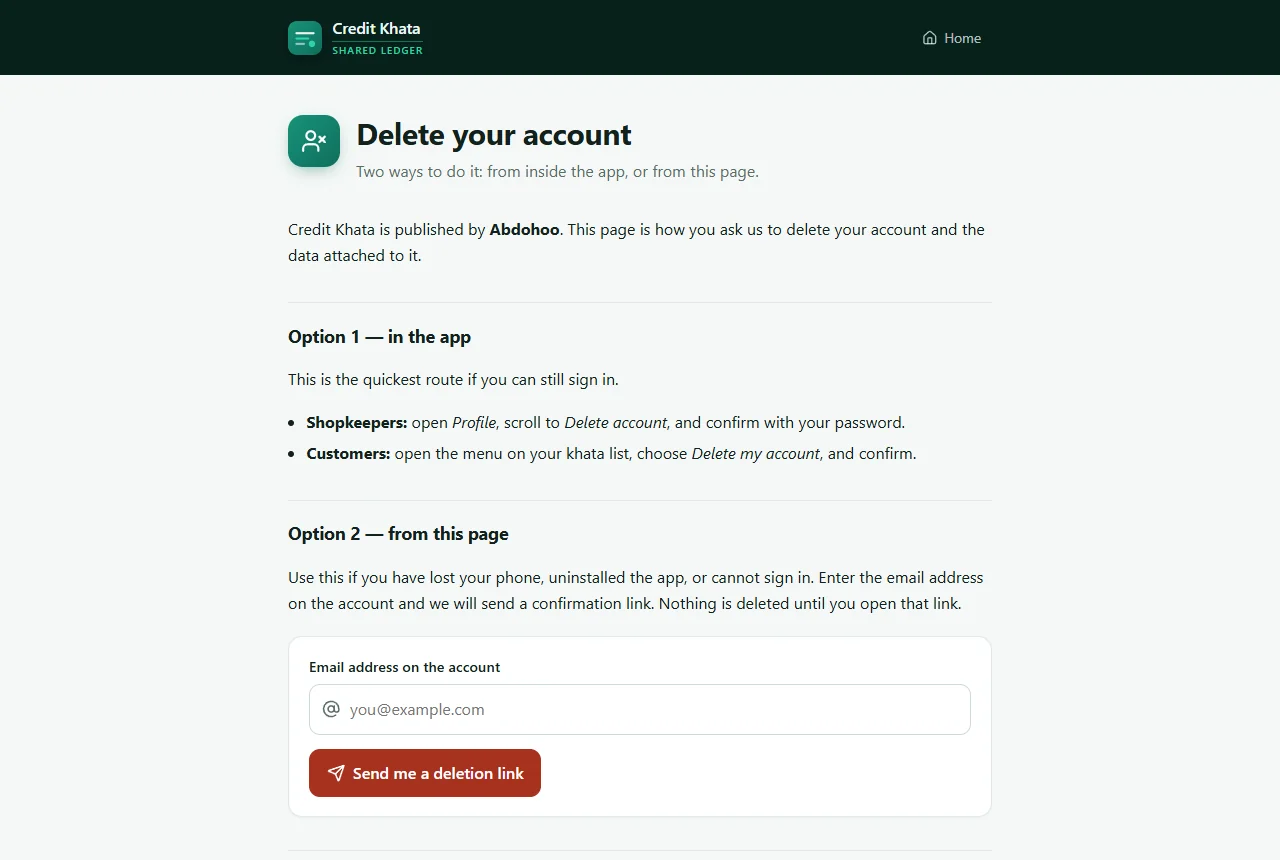
Without di app: if your phone don lost or you no fit sign in, go ck.abdohoo.app/legal/delete-account, put di email wey dey di account and tap Send me a deletion link (meaning: send me link to delete am). Nothing go delete until you open di link for dat email.
Related: Work offline and keep your ledger in sync and Print or share customer account statement.
Questions wey people dey ask
Where my data dey stay?
For Credit Khata servers, wey you dey reach through HTTPS. Di Android app dey also keep copy for di phone so e fit work offline, but dat copy no dey inside Android backups or phone-to-phone transfers.
How I go back up my whole business?
As di owner, open Profile → Security and data and tap Download. You go get one file with your customers, entries, products, expenses, suppliers and staff, without passwords.
I fit undo am if I delete my shop account?
Yes, for 30 days. Sign in again inside dat time and choose Make I keep my account. After 30 days, everything go clear finish and nobody fit bring am back.
If customer delete their account, their debt don clear?
No. Di customer go lose access to di app, but di shop go keep im own record of wetin dem owe, just like paper register.
Credit Khata dey show ads or sell my data?
No. Ads no dey, and nobody dey sell di information for your shop or use am build advertising profile.
This article help you?
You need help?
Send us wetin you dey see for screen — screenshot go help — and we go waka you through am.