
Download your data, secure your account or delete it
In short
Export customers as CSV or download everything as one file from Profile → Security and data. Turn on two-step sign-in there too. Delete your account from Profile.
On this page
Your ledger lives on Credit Khata's servers, so a lost or broken phone does not take your khata with it. To keep your own copy, export your customer list with Export CSV on Customers, or, as the owner, download everything as one file from Profile → Security and data → Download. The same screen turns on two-step sign-in. If you ever want to leave, Delete my account in Profile starts a 30-day countdown for a shop account, so a mistake can still be undone.
Export your data
| What | Where | Who |
|---|---|---|
| Customer list with phone, opening balance, credit, payments and balance | Customers, then the download button (Export CSV) at the top | Everyone who can see customers |
| Everything in your shops: customers, entries, products, expenses, suppliers and staff (no passwords) | Profile → Security and data → Download your data | Owner only |
| One customer's history | Statement on the customer's page, then Print / Save as PDF | Owner and managers |
The CSV opens in any spreadsheet program and is handy for your accountant. It exports the customers currently shown, so clear any filters first if you want everyone. The full download is the one to keep as a backup. In the Android app, the owner finds it under Profile → Export my data, and the customer list can be shared as a CSV from Customers.
Protect your account
Two-step sign-in (owner account): open Profile → Security and data, tap Turn on under Two-step sign-in and confirm with your password. From then on, after your password, a 6-digit code is emailed to you at each sign-in, and it works for 10 minutes. Someone who learns your password still cannot get in without your email.
Signed-in devices: Profile → Signed-in devices lists every phone and browser signed in to your account. Sign out one you do not recognise, or tap Sign out all other devices.
Change password: Profile → Change password. You need your current password to change your email or password.
App lock (Android): Profile → App lock asks for a 4–6 digit PIN, or your fingerprint, when the app opens, and can lock again after a few minutes. The PIN is kept on that phone only.
Staff: give each person their own login instead of sharing yours. See Give staff their own logins: manager or cashier.
What Credit Khata does with your information
- Each shop is sealed off: no shop can see another's customers or ledger.
- There are no ads and no advertising SDKs, and your information is not sold.
- The apps do not collect your location, contacts or calendar. The camera is used only to scan a QR or barcode, and the image is read on your device, not uploaded.
- Customers pay you directly; Credit Khata never processes a payment or holds money.
The full details are in the Privacy Policy.
Delete your account
Shop owner: open Profile, tap Delete my account, enter your password to confirm and tap Delete account. The account stops working immediately and a 30-day countdown starts. To cancel, sign in again during those 30 days and tap Keep my account. When the countdown ends, your shops, customers, ledger entries, products, expenses, supplier records, payment details and uploaded images are erased permanently. Customers who had their own sign-in for your shop are told first, and their accounts are erased too.
Customer: open My profile on your khata and tap Delete my account. Your sign-in is deleted straight away. The shop keeps its own record of what you owe or have paid; deleting your app account does not settle a debt.
Staff login: deleting it removes only that login. The branch, its customers and its ledger belong to the shop.
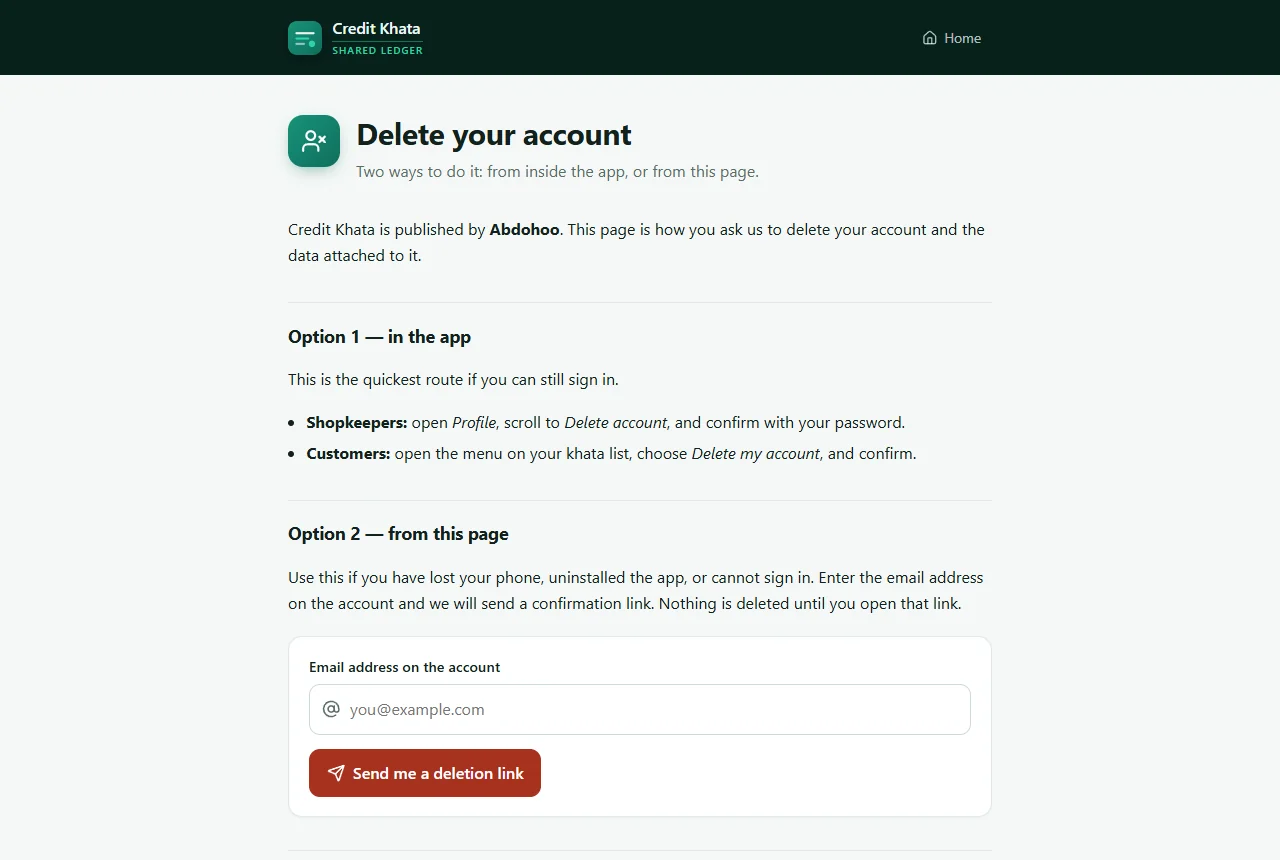
Without the app: if you have lost your phone or cannot sign in, go to ck.abdohoo.app/legal/delete-account, enter the email on the account and tap Send me a deletion link. Nothing is deleted until you open the link in that email.
Related: Work offline and keep your ledger in sync and Print or share a customer's account statement.
Frequently asked questions
Where is my data kept?
On Credit Khata's servers, reached over HTTPS. The Android app also keeps a copy on the phone so it works offline, but that copy is not included in Android backups or phone-to-phone transfers.
How do I back up my whole business?
As the owner, open Profile → Security and data and tap Download. You get one file with your customers, entries, products, expenses, suppliers and staff, without passwords.
Can I undo deleting my shop account?
Yes, for 30 days. Sign in again during that time and choose Keep my account. After 30 days everything is erased for good and cannot be recovered.
If a customer deletes their account, is their debt cleared?
No. The customer loses access to the app, but the shop keeps its own record of what they owe, just as a paper register would.
Does Credit Khata show ads or sell my data?
No. There are no ads, and the information in your shop is not sold or used to build advertising profiles.
Was this article helpful?
Need a hand?
Send us what you see on screen — a screenshot helps — and we will walk you through it.