New in Credit Khata: amounts in your own language, and a country check
Choose how money is written: English (PKR 1,850.00) or your language's own digits and sign (٣٧٫٥٠ ر.س). Shop owners whose countries don't match confirm them once.
On this page
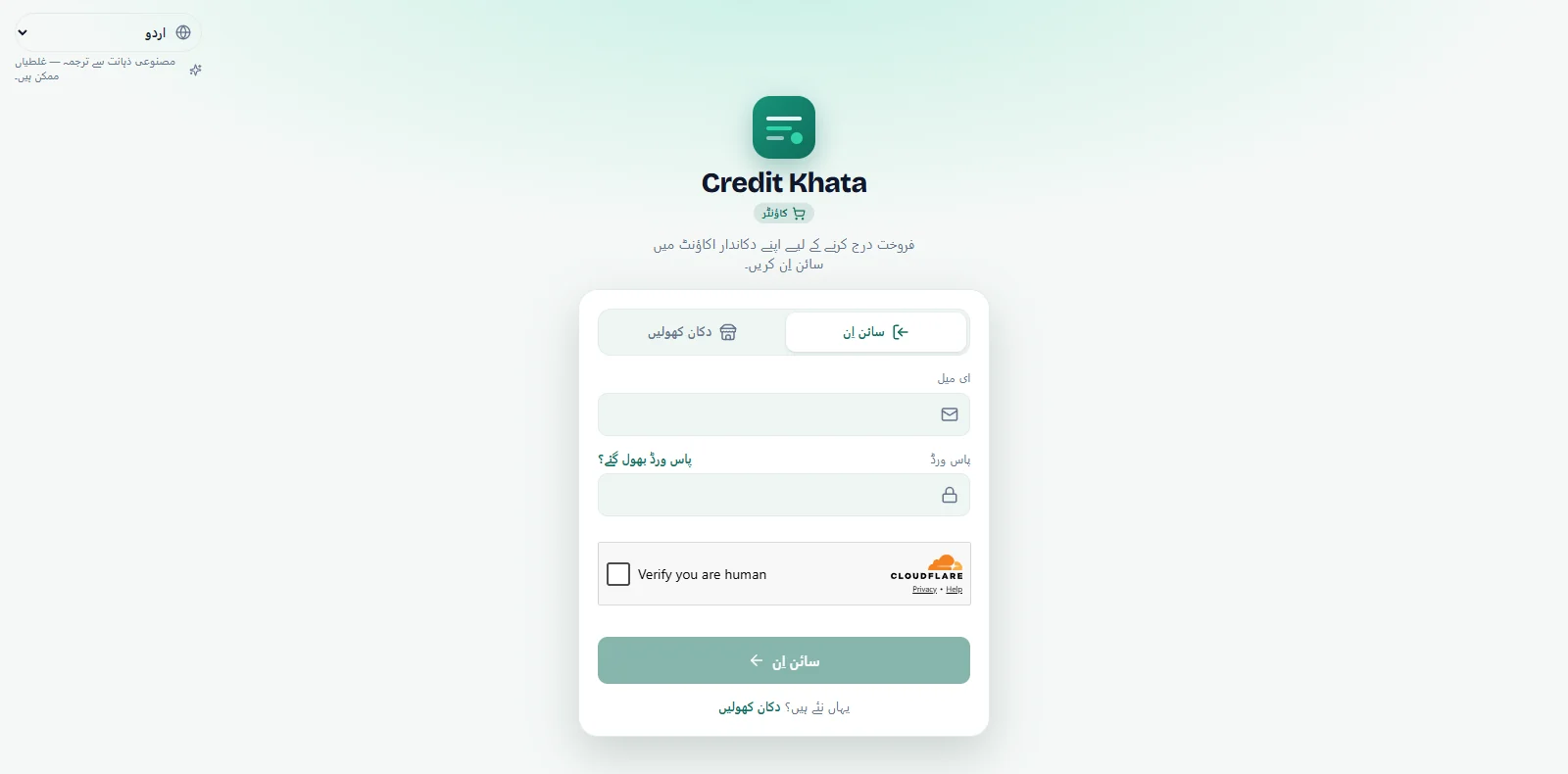
This release is about reading money the way you are used to writing it. A new choice, How amounts look, sits next to the language menu: English writes the currency code and Western digits, as in SAR 37.50; My language writes your language's own digits and the currency's own sign or word, as in ٣٧٫٥٠ ر.س. The choice is saved on your account, and the receipts, statements and reminders you send follow it.
Shop owners also get a one-time question, Check your countries, when the country they signed up from, their own country and their main shop's country don't all match.
How amounts look is in the counter app and the customer web app today. The Android app gets it, and the country check, with its next release.
How amounts look
People read money in different ways. Some are happiest with the currency code and the digits used everywhere; others read their own digits and their own currency word faster, especially on a long statement. Now each person picks for themselves.
| Language and currency | English | My language |
|---|---|---|
| Arabic, Saudi riyal | SAR 37.50 | ٣٧٫٥٠ ر.س |
| Urdu, Pakistani rupee | PKR 1,850.00 | 1,850.00 روپے |
| Persian, Afghan afghani | AFN 350.00 | ۳۵۰٫۰۰ افغانی |
| Hindi, Indian rupee | INR 1,850.00 | ₹1,850.00 |
| Bengali, Bangladeshi taka | BDT and Western digits | ৳ and Bengali digits |
Urdu and Hindi keep the digits shops there use every day and change only the currency's sign or word. Arabic, Persian and Bengali switch to their own digits as well.
Each choice shows a live example in your own currency, so you pick by sight rather than by name. Until you choose, Urdu, Arabic, Persian, Hindi and Bengali show amounts in My language, and every other language shows them in English.
It follows you, and what you send
- Saved on your account. Pick once and every device and app where you sign in uses it.
- Receipts, statements and reminders. Receipts, statements and PDFs, and the WhatsApp or SMS reminders you send are written the same way.
- Alerts. Push notifications you receive that mention an amount follow your choice too.
- Counts and units. Quantities use the same digits as amounts, and units read in your language: ٢ كغ in Arabic, 2 کلو in Urdu.
Each person chooses for themselves. You can read amounts in My language while a cashier, or a customer on their own phone, reads them in English. Your currency, your entries and your balances never change; only the way they are written does.
Where to find it
- Counter app: on the sign-in screen, next to the language menu; once signed in, at the bottom of the sidebar, under your name. Riders find it on their profile page.
- Customer web app: on the sign-in page, next to the language menu; once signed in, in My profile, just under Language.
- Android app (next release): a chip next to the language chip on the sign-in screen, and How amounts look in Profile, under App.
Step by step: Show amounts in English or in your own language.
A one-time check of your countries
Three countries can describe a shop owner, and they don't always agree:
- the country of the internet connection they signed up from,
- their own country, which is private, and
- their main shop's country, which customers see and which decides the payment methods they are offered, such as JazzCash and Easypaisa in Pakistan or M-Pesa in Kenya.
When these don't all match, the counter app now asks the owner once. The sheet is called Check your countries and has two fields: Your shop's country and Your own country. Both start on what is already saved, or else on the country the sign-up came from. Check them, change either if needed, and tap Confirm.
Later closes the sheet without changing anything; it comes back the next time the app is opened. After Confirm it never comes back, in the counter app or in the Android app, which asks the same question from its next release.
A few things it never does:
- It never asks staff, riders or customers. Only the shop owner answers.
- It never treats a VPN as a country. If a sign-up came through a VPN, a proxy or a hosting service, that connection's country is ignored.
- It never shows your own country to customers. Customers see only your shop's country.
Step by step: Confirm your shop's country and your own country. To set up the payment methods your country offers, see Add your JazzCash, Easypaisa or bank details so customers can pay you.
Who sees what
| New in this release | Shop owner | Staff | Rider | Customer |
|---|---|---|---|---|
| How amounts look | Yes | Yes | Yes | Yes |
| Check your countries | Once, if the countries don't match | No | No | No |
Also fixed
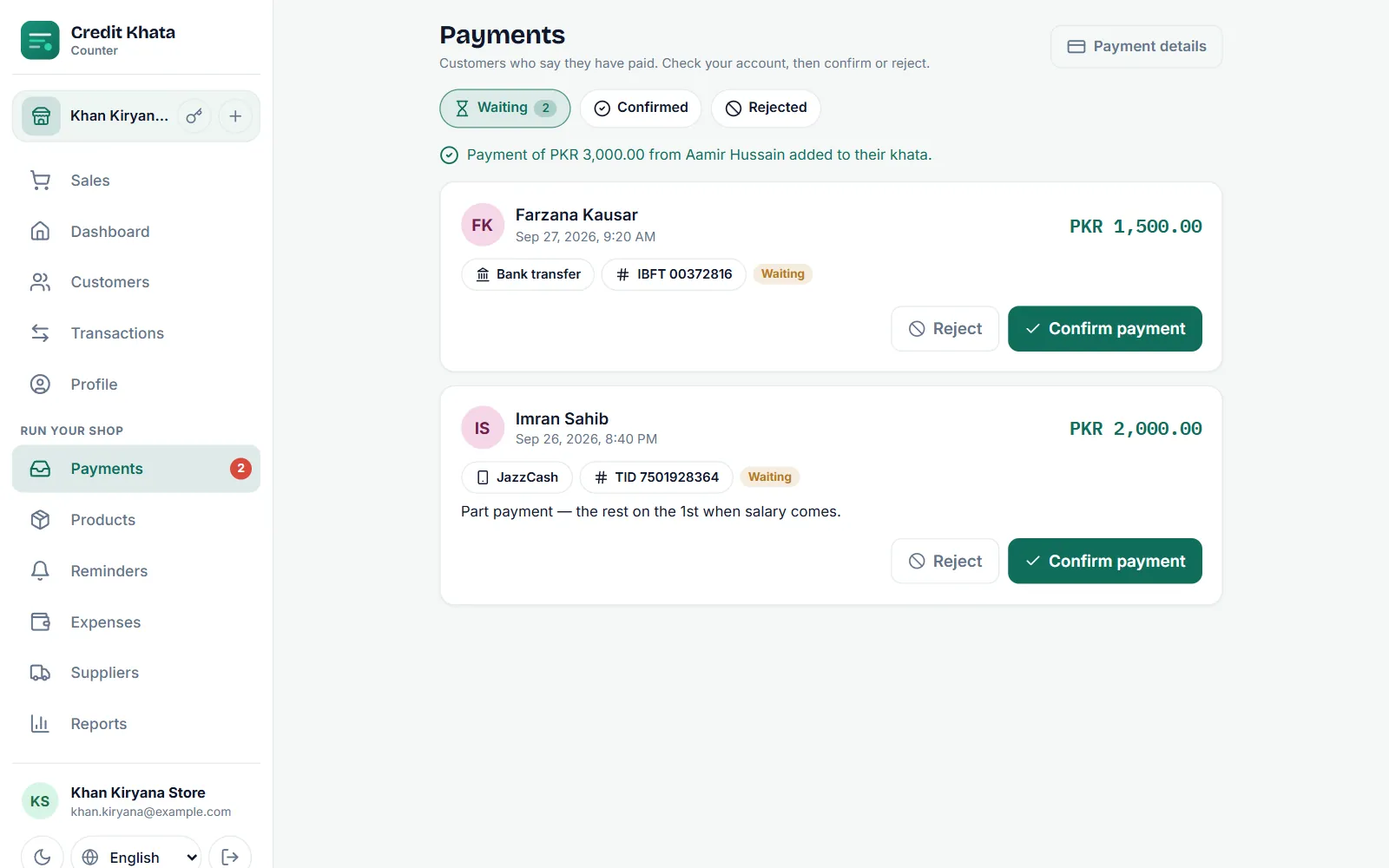
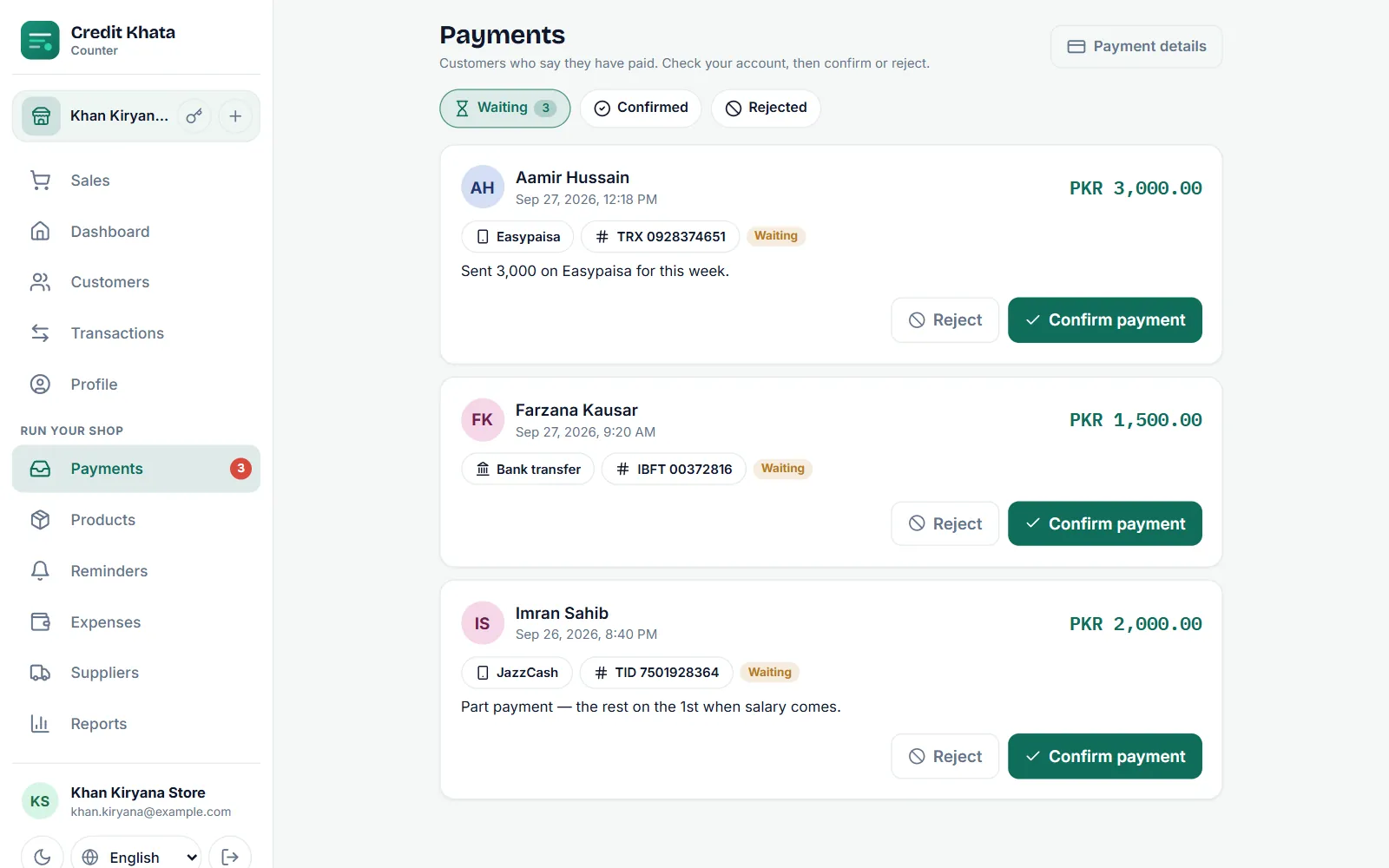
- Bank transfer in your language. On payment claims, the method names "Bank transfer" and "Other" now read in your language in the counter app and the customer web app, instead of in English.
- In the Android app, with its next release: units such as kg, dozen and litre show in your language; "Bank transfer" on payment claims reads in your language there too; and a line that mixes an English wallet name with an Urdu or Arabic date no longer comes out jumbled.
How to get it
- Counter app: open ck.abdohoo.app/pos-pwa. When a new version is ready, it offers Update now.
- Customers do not need to do anything. The choice appears on the sign-in page and in My profile.
- Android: both features come with the next release. Update Credit Khata from Google Play when it arrives.
As before, every screen is available in Urdu and many other languages, with Urdu, Arabic and Persian laid out right to left. To change the language itself, see Change the app language (Urdu, Arabic, Hindi and more).
Frequently asked questions
How do I get the new features?
The counter app in your browser updates itself; when a new version is ready it offers Update now. Customers find the new choice on the sign-in page and in My profile. The Android app gets both features with its next release on Google Play.
Do they cost extra?
No. How amounts look and the country check come with every plan, including Free. Customers reading their own account never pay.
Will my customers see amounts the way I chose?
In their own app, customers see amounts the way they choose. What you send them, such as receipts, statements and reminders, is written your way.
Who is asked to check their countries?
Only shop owners whose countries don't match, and only once. Staff, riders and customers are never asked.
Was this post helpful?