
Topic
#payments
Articles about payments from the Credit Khata blog and help centre.
New in Credit Khata: payments, disputes, reminders and more
Credit Khata now helps settle the ledger, not just keep it: customers pay by wallet and tap I've paid, confirm or dispute entries, and get one-tap reminders, with limits and more.
Accept JazzCash, Easypaisa and Raast payments in a small shop
Share one wallet number and one bank or Raast account, ask customers for the transaction ID, check your own account before you mark anything paid, and match each payment to the khata.
Record a payment received from a customer
Open the customer, choose Paid under Add transaction, enter the amount and tap Add transaction. Their balance drops at once; part payments are fine.
For customers: open your khata, check entries and pay the shop
Open the link your shop sent, or enter their login code. You see your balance and every entry; tap an entry to confirm or report it, and tap Pay, then I've paid, to pay them.
Confirm a payment a customer says they made
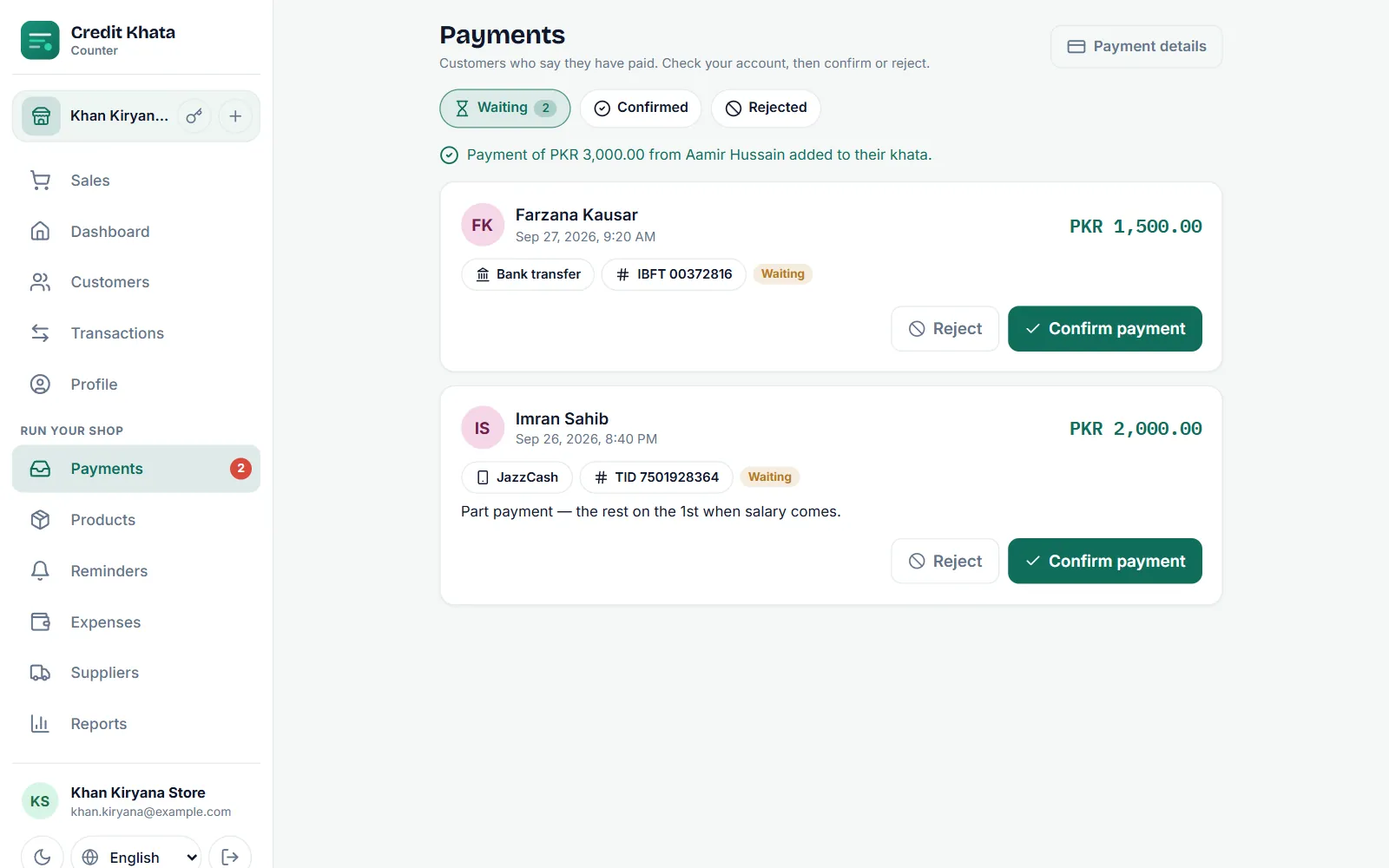
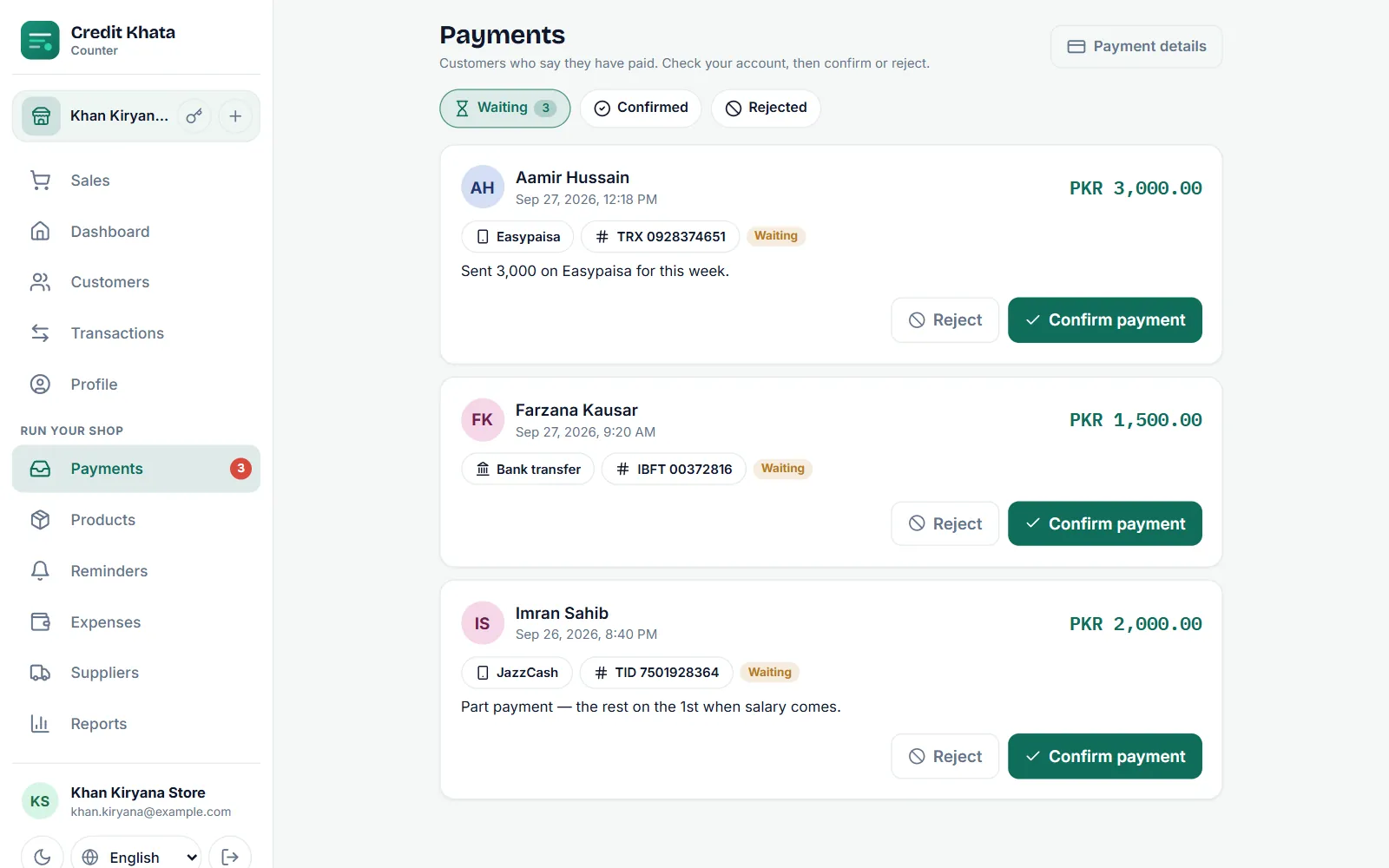
When a customer taps I've paid, the claim waits in Payments. Check your wallet or bank, then tap Confirm payment to add it to their khata, or Reject with a reason.
Add your JazzCash, Easypaisa or bank details so customers can pay you
Go to Payments → Payment details, tap JazzCash, Easypaisa, Raast or Bank transfer, enter the account name and number and Save. Customers see them when they tap Pay.