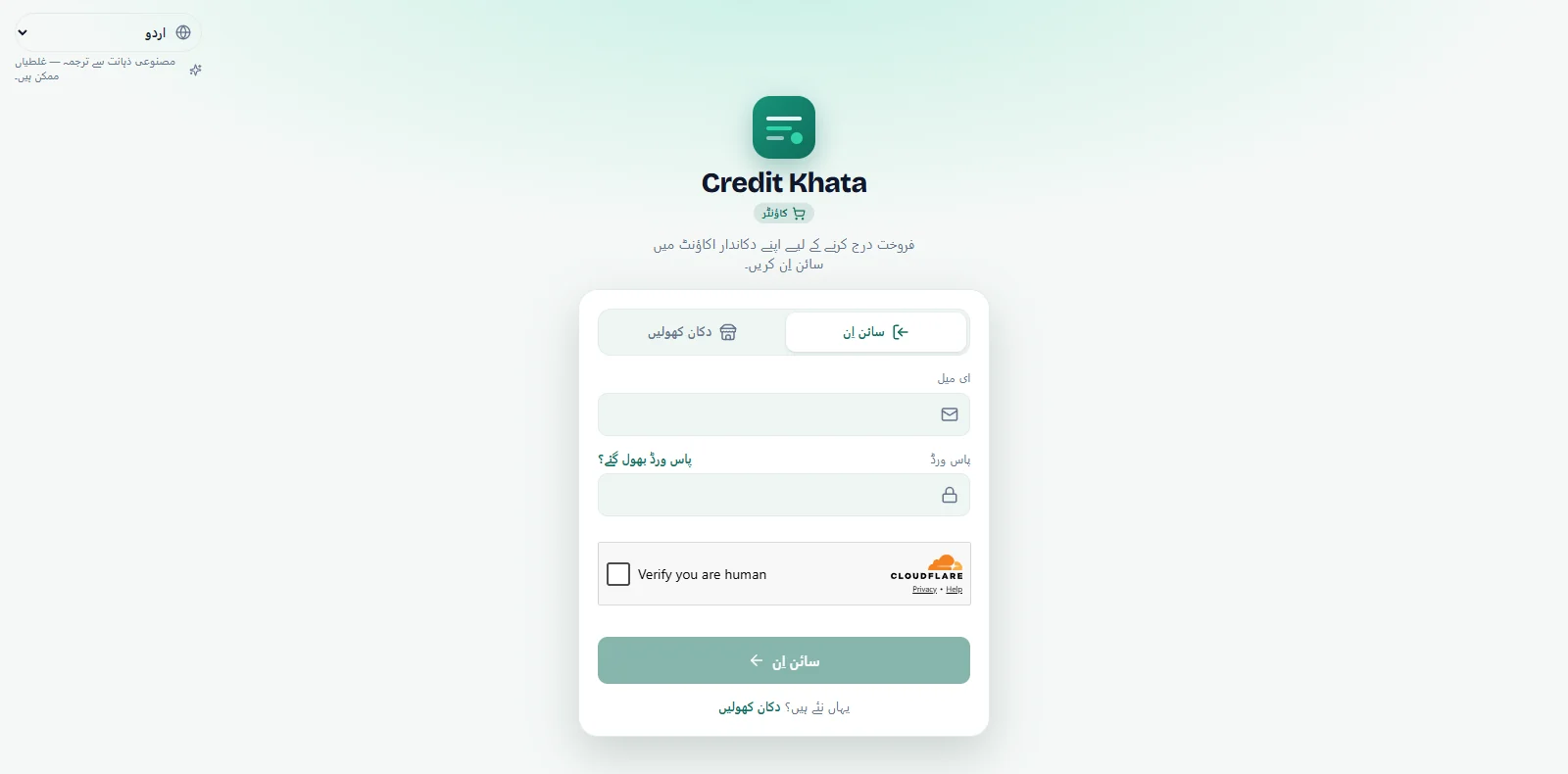
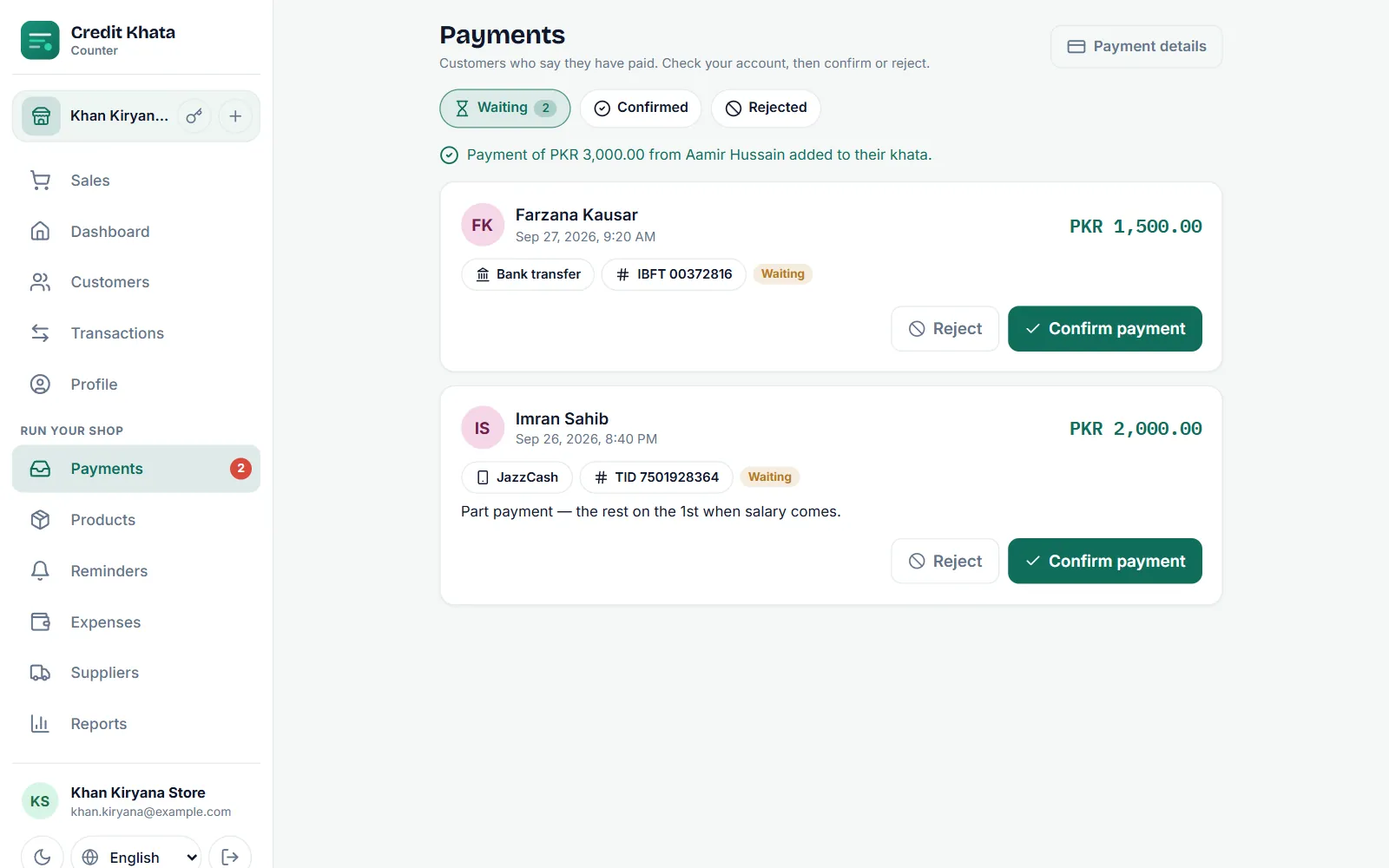
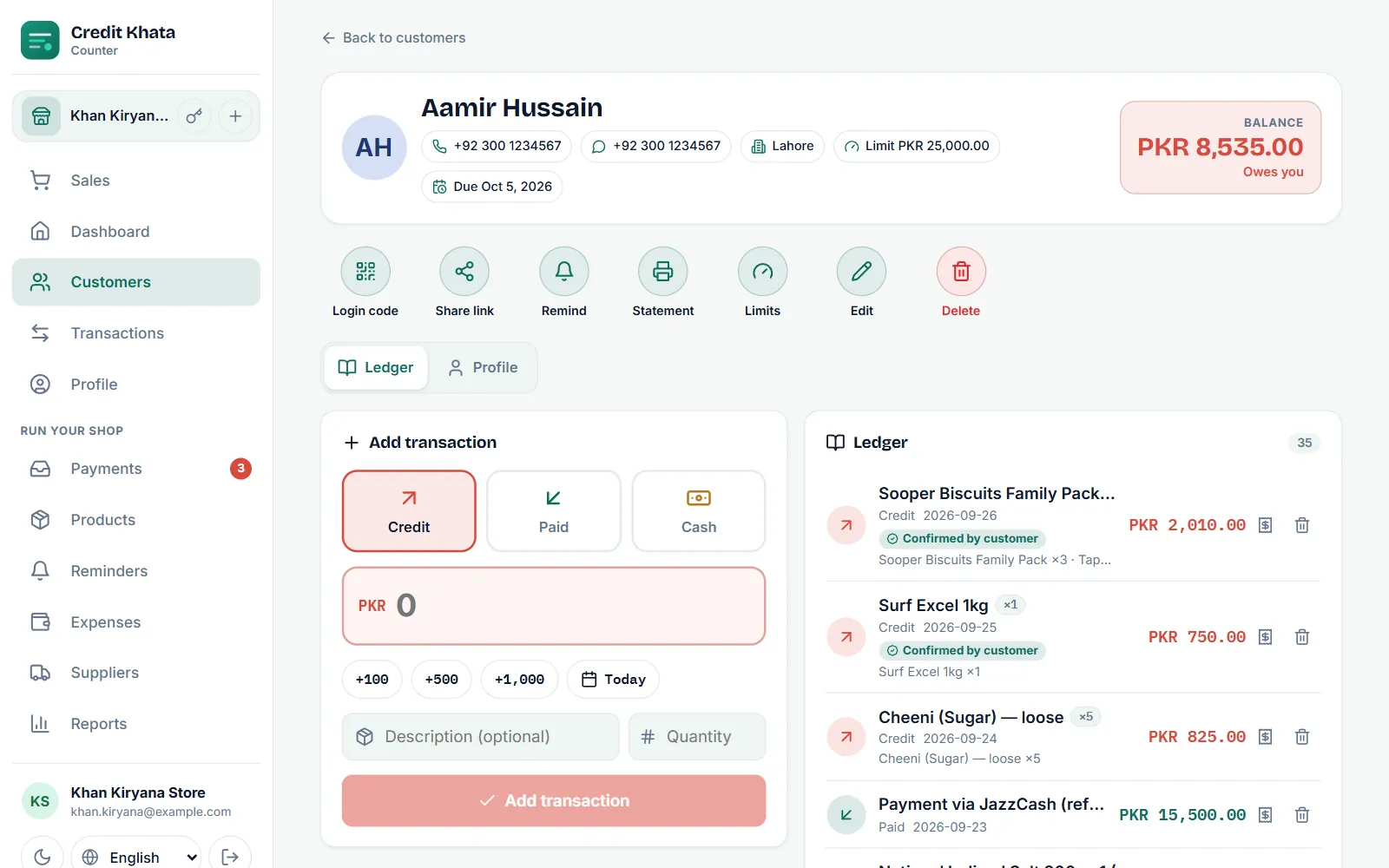
Wetin new for Credit Khata: profile photos for customers, owners and staff
Customers fit add photo for each shop account, and na only dat shop dey see am. Owners and staff dey add their own, and owner or manager fit take down customer photo.
For this page
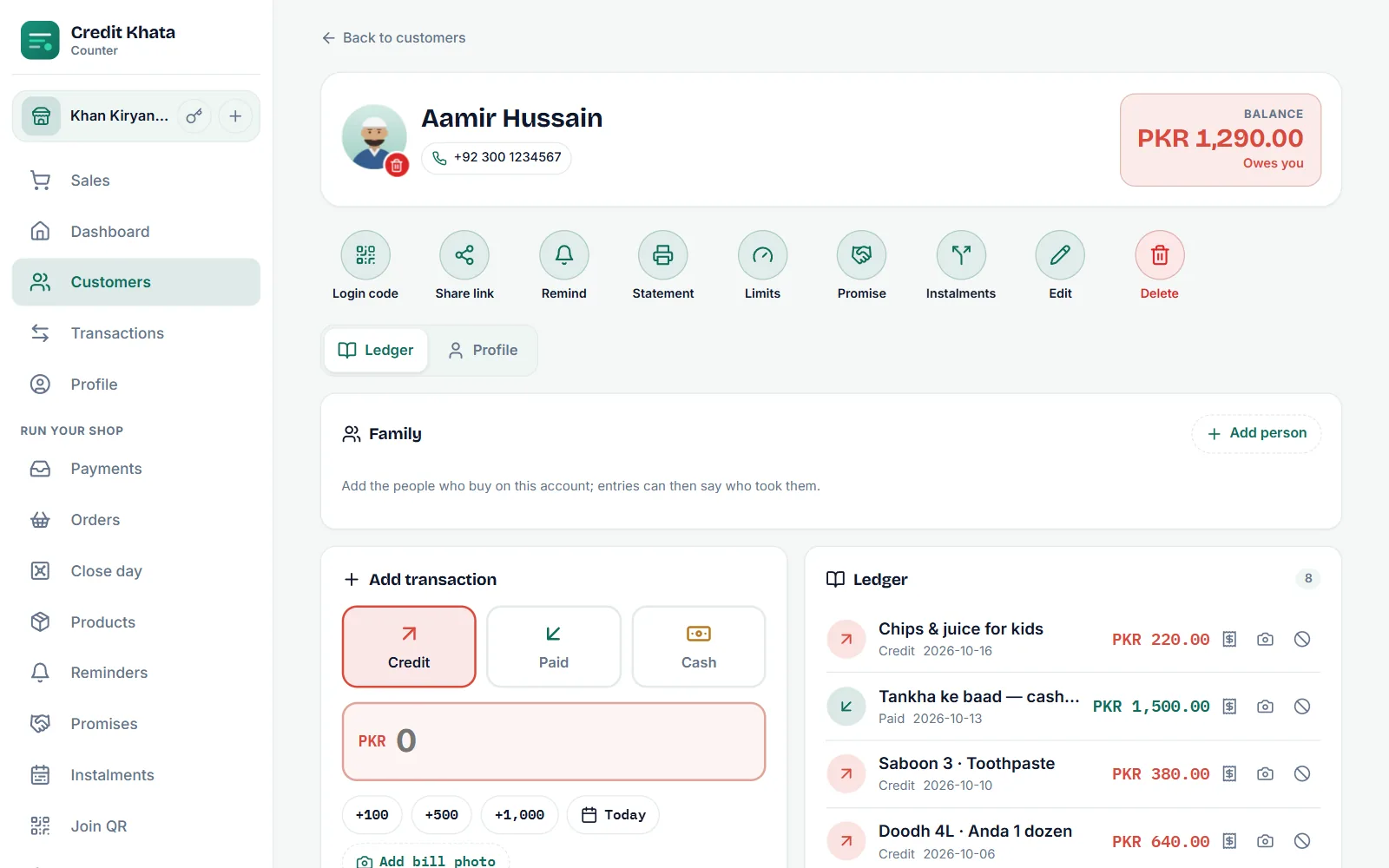
Dis release dey put faces to names. Customers fit now add profile photo for each shop account wey dem get, and na only dat shop dey see am. Shop owners and staff fit add their own photo, and di owner dey see everybody own for di staff list. If customer photo no correct for di shop, di owner or manager fit take am down with two taps.
Profile photos dey di counter app and di customer web app today. Di Android app go get dem with im next release.
Why photos dey help for di counter
Busy shop fit get three customers wey dem dey call Ahmed, or son and im papa for two accounts. Face beside di name dey separate dem before you book entry, and e dey help new cashier learn who be who. Na di same for staff: when business get plenty branches and plenty logins, photo for each login dey make di staff list easy to read.
Photo no dey ever compulsory. Where no photo dey, Credit Khata dey show di person initials, like before.
For customers: one photo for each shop
Every shop wey you dey buy from on credit dey keep your account separately, and now each account dey keep im own photo too. Your photo for one shop no dey ever show for another shop. You fit use di same photo everywhere, different one for each shop, or add photo for only some of dem.
For di customer web app:
- Open My profile from di button for di top of your account.
- Under di shop account, find Your photo, with di note "Na only dis shop fit see am."
- Tap Add photo, den snap photo or pick one from your gallery.
Change photo dey put different one, and di bin beside am dey comot am after you confirm. Di app dey make big camera photo small before e send am, so e dey upload quick even when connection slow.
For di Android app, from im next release, di same Your photo row dey inside each account card for My profile, with Snap photo and From gallery to choose from.
For owners and staff: your own photo
Owners, managers, cashiers and riders fit each set photo for their own login. Na photo of you, no be your shop logo, wey customers go still dey see like before.
- Counter app: Profile, den Your photo under Account. For computer e go den show for di bottom of di sidebar, beside your name.
- Riders: for your profile page.
- Android app (next release): Profile, den Your photo for di Account group.
Staff dey see di note "Di shop owner go see am for staff list." Di owner dey open Profile → Staff to see every login with im photo. Customers no dey ever see di owner or staff member own photo.
For owners and managers: take down photo
Customers dey choose their own photos, and shop no fit add or change one for dem. But shop no suppose dey look photo wey no correct or wey dey offensive. So di owner and managers fit comot am:
- Open di customer.
- Tap di small red bin for their photo.
- Confirm with Comot photo: "Comot dis kostoma photo? Dem fit add new one."
Di shop go see di customer initials again, and di customer fit set new photo later. Cashiers no dey get di bin. Di Credit Khata team fit also delete photo wey break di terms of use.
Who dey see wetin
| Photo | Customer | Shop owner | Manager | Cashier |
|---|---|---|---|---|
| Customer photo for your shop | Dey set and comot their own | Dey see am and fit comot am | Dey see am and fit comot am | Dey see am |
| Owner or staff member own photo | Never | Dey see every staff photo for di staff list | Dey see their own | Dey see their own |
Privacy, wey dem build inside
- Na only di shop wey e belong to. Customer photo dey stay with dat one shop account.
- No hidden details. Before dem store photo, dem dey redraw am, and dat one dey remove di location and device details wey camera fit write inside am.
- E dey go when e suppose go. Photo dey delete when you comot am, when you delete your account, when shop delete customer and when di owner remove staff login. Our privacy policy and account deletion page now dey list profile photos too.
Step by step, with screenshots: Add, change or comot your profile photo. For customers wey new to their account, see For customers: open your account, check entries and pay di shop, and to set up staff, Give your staff their own login: manager or cashier.
How to get am
- Counter app: open ck.abdohoo.app/pos-pwa. When new version ready, e go show Update am now.
- Customers no need do anything. Your photo go show for My profile.
- Android: profile photos go come with di next release. Update Credit Khata from Google Play when e land.
Profile photos dey come with every plan, including Free, and every screen around dem dey available for Urdu and plenty other languages. To change di language, see Change di app language (Pidgin, Urdu, Arabic, Hindi and more).
Questions wey people dey ask
How I go get profile photos?
Di counter app for your browser dey update by imself; when new version ready e go show Update am now. Customers go find Your photo for My profile for di customer web app. Di Android app go get profile photos with im next release for Google Play.
Profile photos dey cost extra money?
No. Profile photos dey come with every plan, including Free. Customers no dey ever pay.
One shop fit see di photo wey customer set for another shop?
No. Each shop account get im own photo, and na only dat shop owner and staff dey see am.
Customers dey see di shop owner photo?
No. Customers dey see di shop logo and name. Di owner and staff members own photos, na di owner dey see dem, for di staff list.
This post help you?