Shop staff permissions: what a cashier and a manager should do
Give each person their own login. Cashiers sell, take payments and remind; managers also fix records and see the books; only the owner handles staff, branches and the business's data.
On this page
A simple, safe split for a small shop: cashiers sell on cash or credit within each customer's limit, take payments, add customers and send reminders; managers can also correct records, go past a credit limit, handle disputes, stock and expenses, and see the reports; only the owner adds staff, opens branches, downloads the business's data and controls security. Give every person their own login, so each entry shows who made it.
When the owner runs the counter alone, none of this matters. The moment a son, a brother, a nephew or a salesman starts working the till, it matters a great deal, usually not because anyone is dishonest, but because mistakes need to be traceable.
Two principles
Least access. Each person gets what their job needs and no more. A cashier who never sees the profit figures cannot be pressured into sharing them.
Separate the money from the record. The person who takes cash should not also be able to delete the entry that shows it. This is one of the oldest rules in bookkeeping, and it protects honest staff: if the record cannot be changed at the till, nobody can be suspected of changing it.
A clear split of roles
| Task | Cashier | Manager | Owner |
|---|---|---|---|
| Sell on cash or credit (within limits) | Yes | Yes | Yes |
| Add a new customer | Yes | Yes | Yes |
| Record payments, confirm wallet payments | Yes | Yes | Yes |
| Send payment reminders | Yes | Yes | Yes |
| Go past a customer's credit limit | No | Yes | Yes |
| Set limits, due dates and opening balances | No | Yes | Yes |
| Void an entry, delete a customer | No | Yes | Yes |
| Handle customer disputes | No | Yes | Yes |
| Products, stock, expenses, suppliers | No | Yes | Yes |
| Reports and statements | No | Yes | Yes |
| Add or remove staff, open branches | No | No | Yes |
| Download all data, security settings | No | No | Yes |
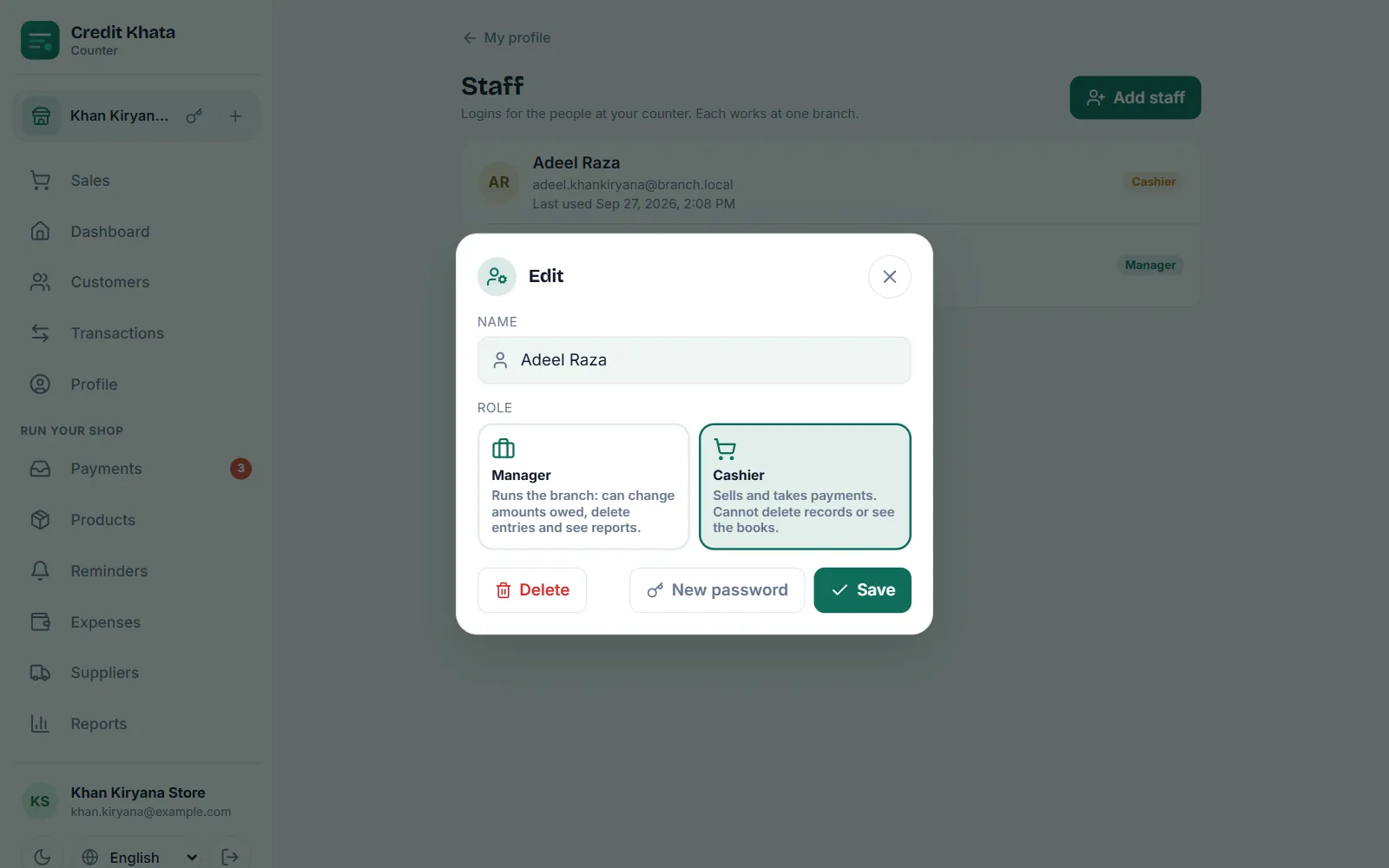
This is exactly how the roles work in Credit Khata, where a Manager "runs the branch: can change amounts owed, delete entries and see reports" and a Cashier "sells and takes payments. Cannot delete records or see the books."
Why cashiers should not delete entries
At a busy counter, "just delete it and do it again" feels harmless. But a deleted entry is also exactly how credit disappears from a ledger: a friend's purchase that never gets recorded, or a payment that is recorded twice. If only a manager or the owner can delete, every correction has a second pair of eyes, and a wrong entry is fixed rather than hidden.
Why credit limits belong in the same conversation
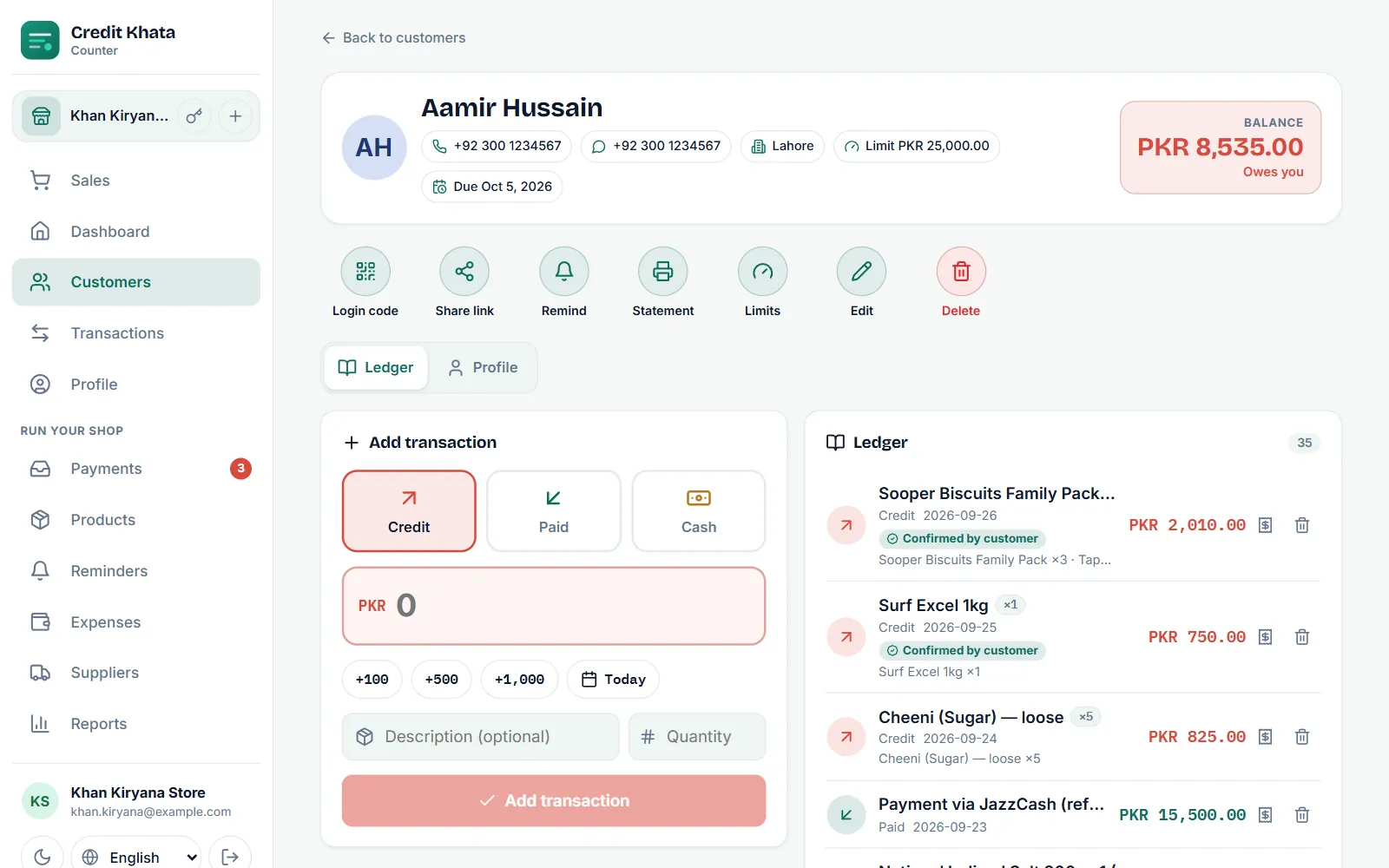
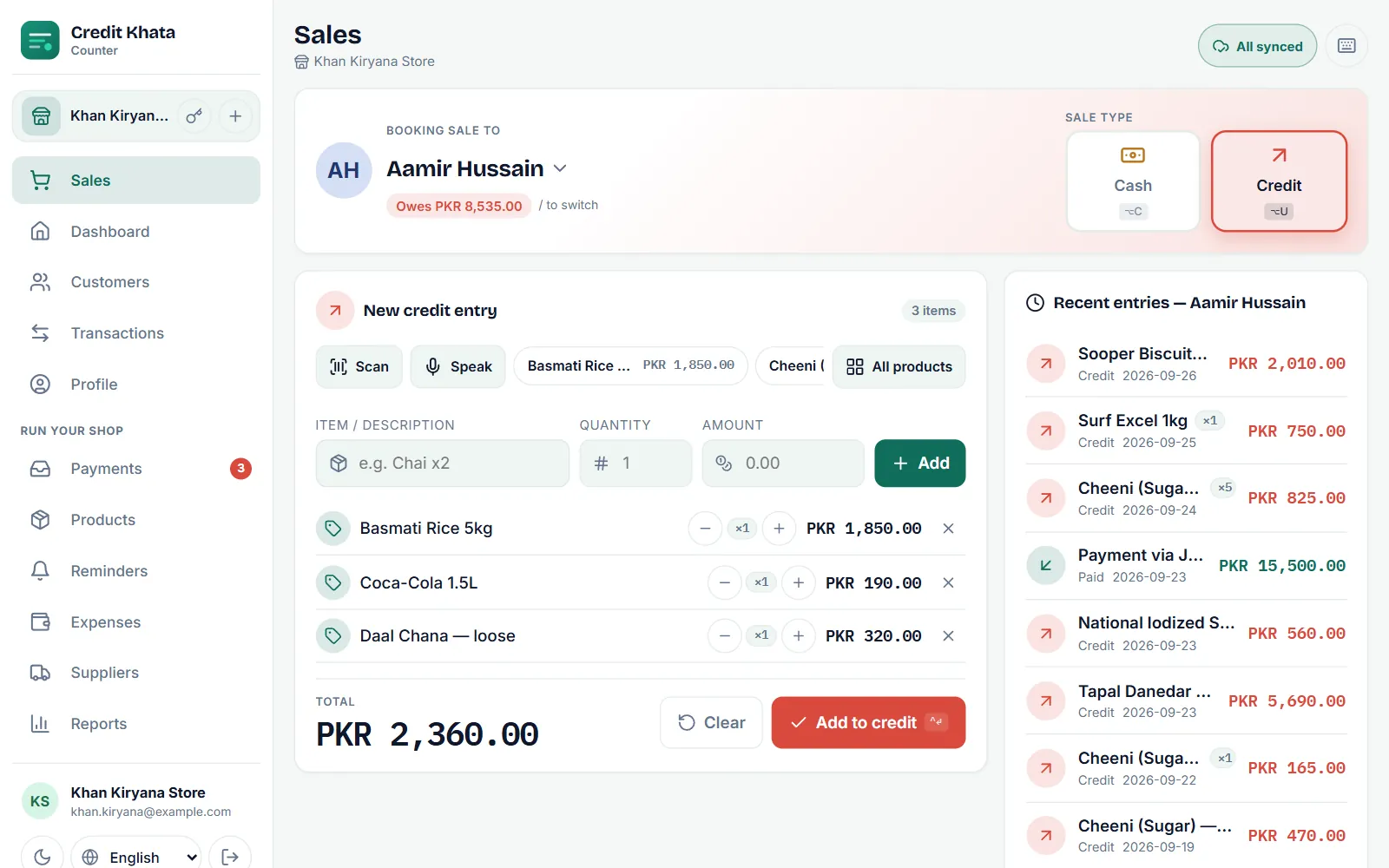
Staff are under the most pressure when a regular asks for "just a little more" credit. A written credit limit on each customer gives the cashier an easy, impersonal answer, and a clear escalation: call the owner or manager. In Credit Khata the counter enforces it: a cashier cannot book credit past a customer's limit, while an owner or manager can choose to, and that choice is logged. See How to set credit limits for your shop's customers.
Practical rules that prevent losses
- One login per person. No shared passwords, and never the owner's.
- Choose the smallest role that works. Most shop assistants should be cashiers.
- Check who did what. Look through transactions now and then; each one shows the name of whoever recorded it.
- Review logins monthly. Remove any nobody uses. In Credit Khata each login shows when it was last used.
- Act on the last day. When someone leaves, remove their login or reset its password the same day.
- Protect the owner account. Turn on two-step sign-in, so a leaked password alone is not enough.
Family businesses
Many shops are run by family, and separate logins can feel unnecessary, even rude. Frame it differently: separate logins mean that when a number looks wrong, you can see whose entry it was and ask them, instead of everyone wondering. It protects the younger brother who is new at the counter as much as it protects the shop.
More than one shop
If you run two counters or two branches (in Credit Khata, extra branches are part of Pro), put one manager in charge of each and pin every login to one branch. A manager then sees the reports, stock and customers of their own branch only, while the owner can look at the whole business or pick one branch. This keeps each branch's numbers clean: a mistake at the second shop shows up in that shop's books, and the person responsible for it is easy to find.
It also makes handovers simpler. When a branch manager goes on leave, the owner can cover the counter with their own login without touching anyone else's.
What the owner should check each week
Permissions only help if someone looks. A ten-minute weekly routine is enough:
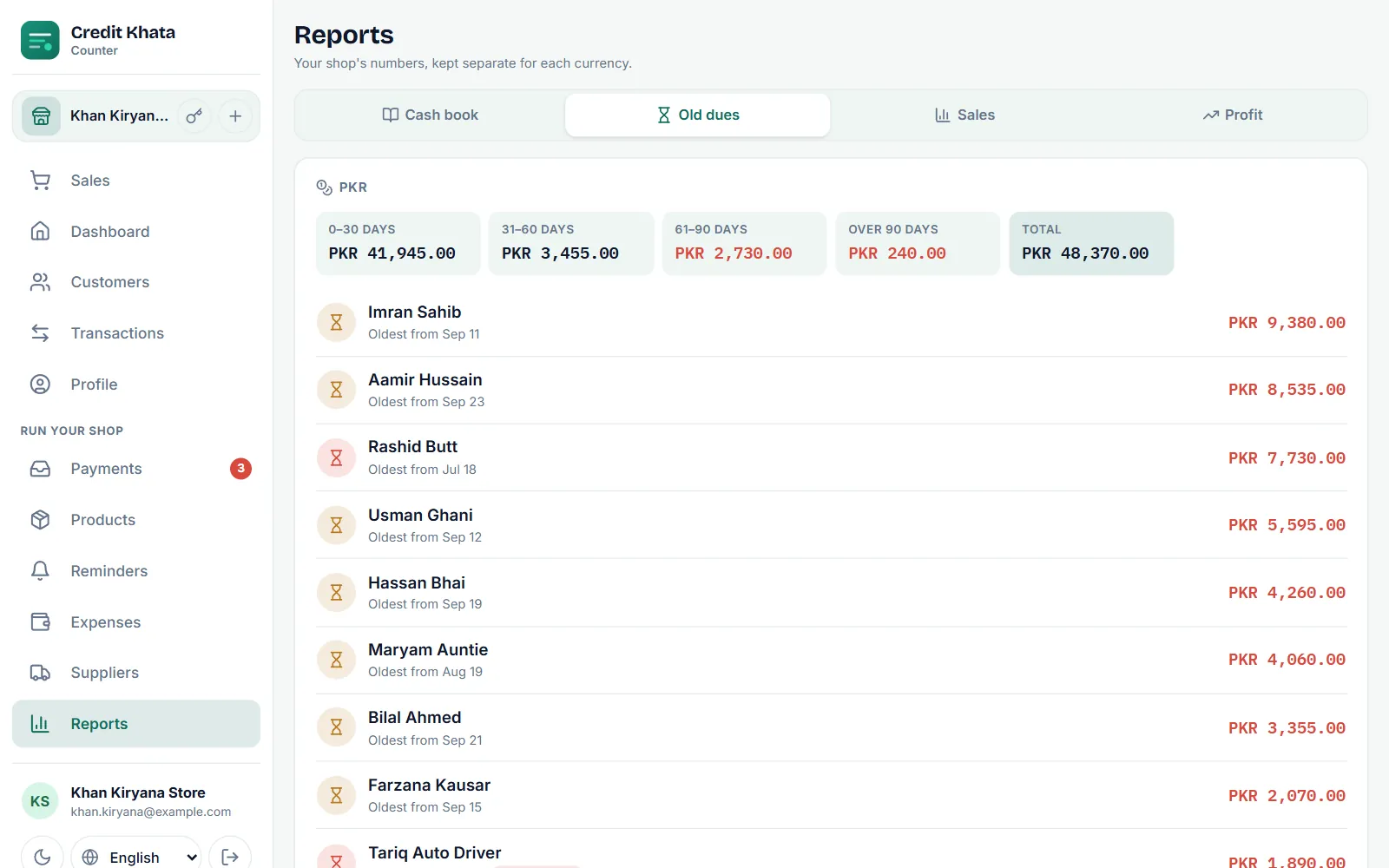
- Old dues: who owes the most, and for how long. A sudden jump for one customer can mean credit given beyond what you would have allowed.
- Deleted or corrected entries: ask the manager what was corrected and why. Most answers will be ordinary. In Credit Khata a voided entry stays on the customer's account crossed out, with who voided it and when, so nothing disappears quietly.
- Payments confirmed: compare the wallet payments confirmed in the app with what actually arrived in your account.
- Logins: anyone who has not signed in for a month probably does not need a login.
The point is not to check up on people. It is to make sure the record still tells the truth, and to spot a problem while it is small.
Setting it up in Credit Khata
Staff logins are part of Pro, and every new shop gets its first month of Pro free. The owner opens Profile → Staff, taps Add staff, enters a name and a username, and chooses Manager or Cashier (shops that deliver can also add a Rider). The password is shown once to copy and hand over, or the owner can show a one-time Sign-in QR for the person to scan. Staff sign in to the counter app or the Android app with that username, and see only the screens their role allows, at the branch they work in.
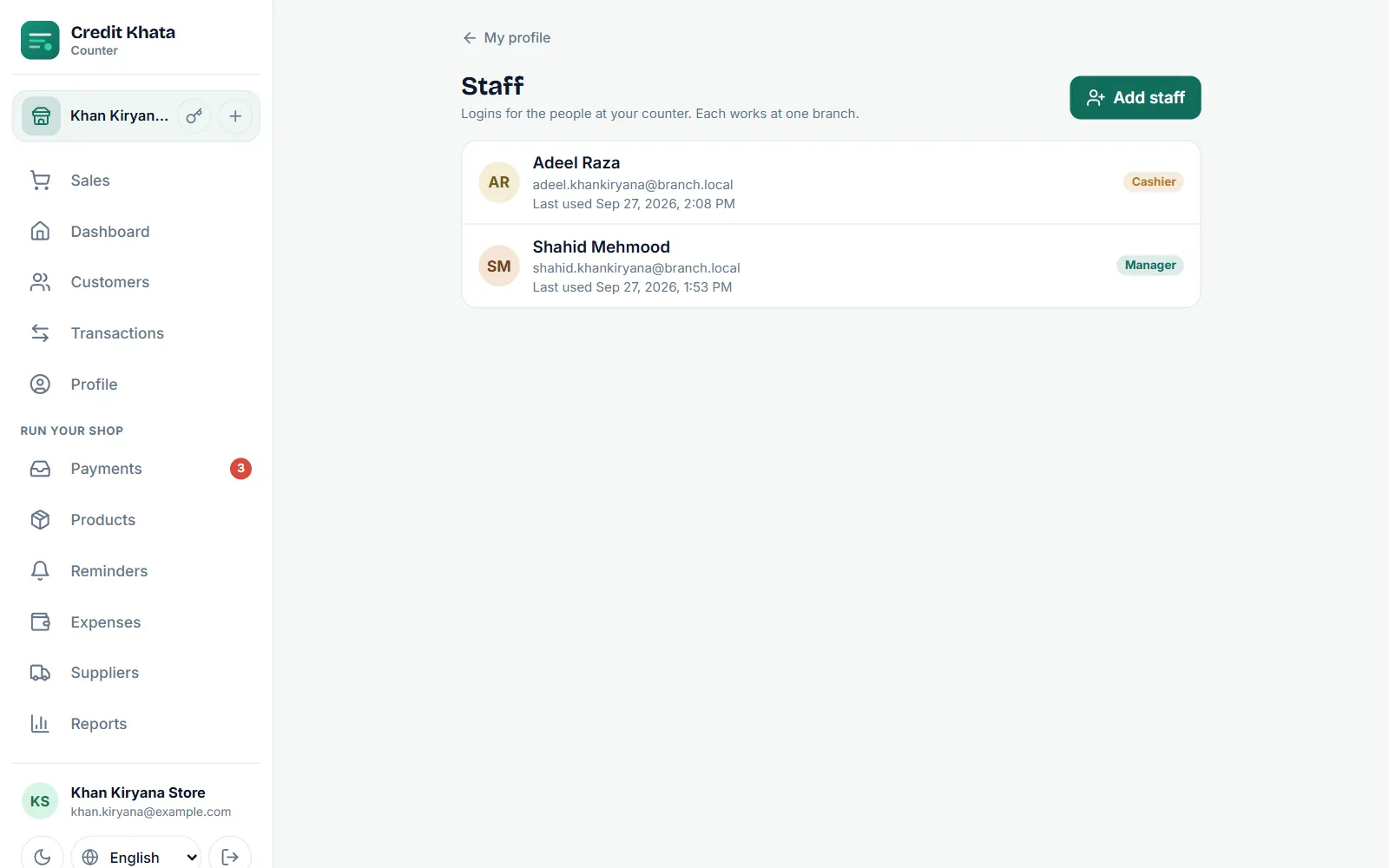
Full steps: Give staff their own logins: manager or cashier. To protect the owner account, see Download your data, secure your account or delete it.
The short version
Give everyone their own login. Let cashiers sell, take payments and remind, within limits. Let managers correct and review. Keep staff, branches, data and security with the owner. It takes ten minutes to set up and saves many uncomfortable conversations later.
Frequently asked questions
Should family members working in the shop have their own logins?
Yes. Separate logins are not about distrust; they make every entry traceable, so a mistake can be found and fixed without guessing who made it.
Why should a cashier not be able to delete entries?
The person who takes money should not also be able to remove the record of it. Keeping those two jobs apart protects the staff member as much as the shop.
Can a cashier give credit?
Yes, within each customer's credit limit. Going past a limit should be a decision for the owner or a manager.
What should I do when an employee leaves?
Remove their login, or at least reset its password, on their last day. Their past entries stay in your books.
Was this post helpful?