
Topic
#credit
Articles about credit from the Credit Khata blog and help centre.
WhatsApp payment reminder templates for shops (English & Roman Urdu)
Copy-ready WhatsApp payment reminders for shops in English and Roman Urdu: before the due date, on the day, overdue, a second reminder, plus thank-you and payment-plan messages.
What is a khata book? Digital khata vs the paper register
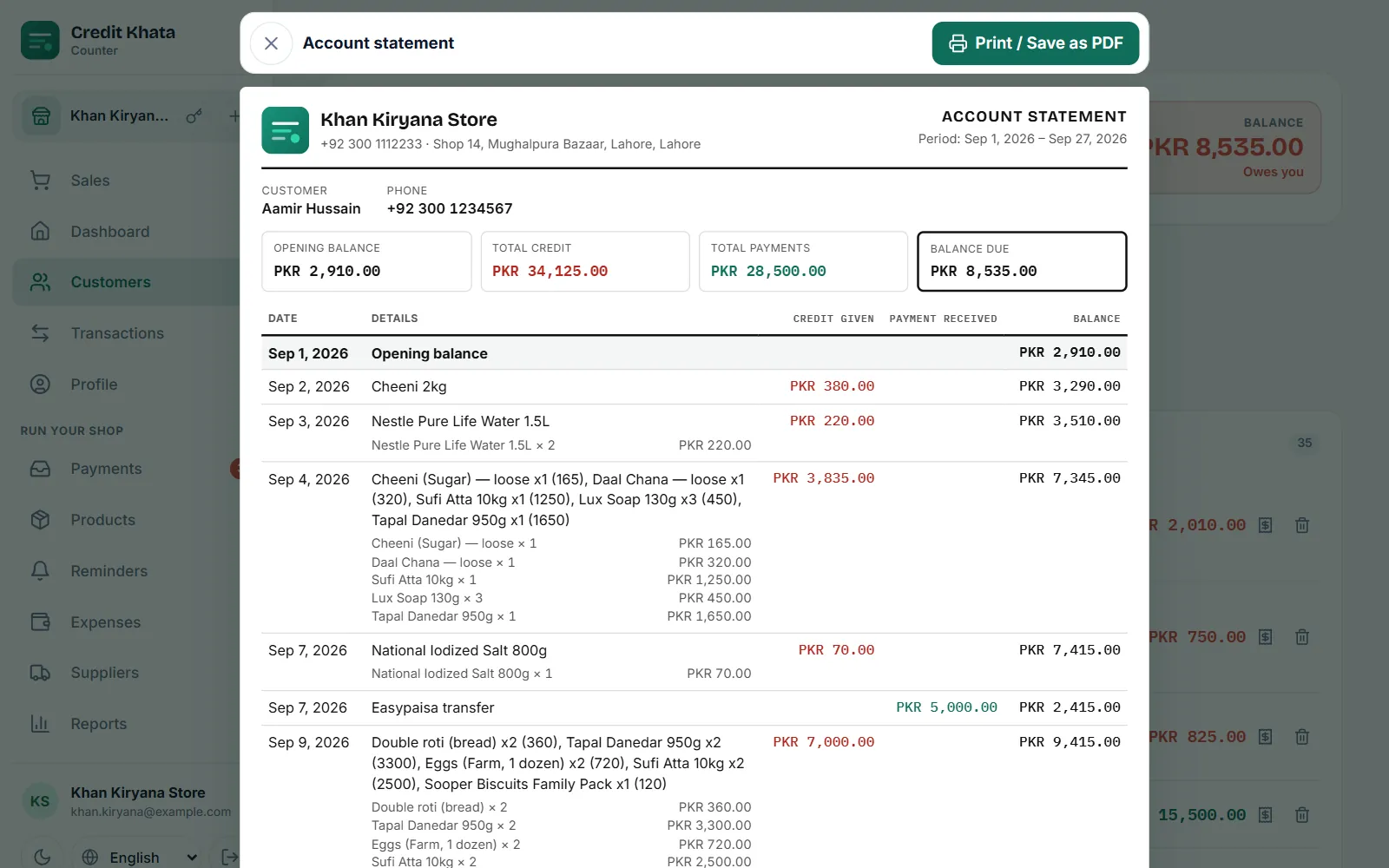
A khata book is a shop's credit register: who took goods on credit, and who has paid. A digital khata keeps the same record but adds totals, backups, reminders and a customer view.
Shop staff permissions: what a cashier and a manager should do
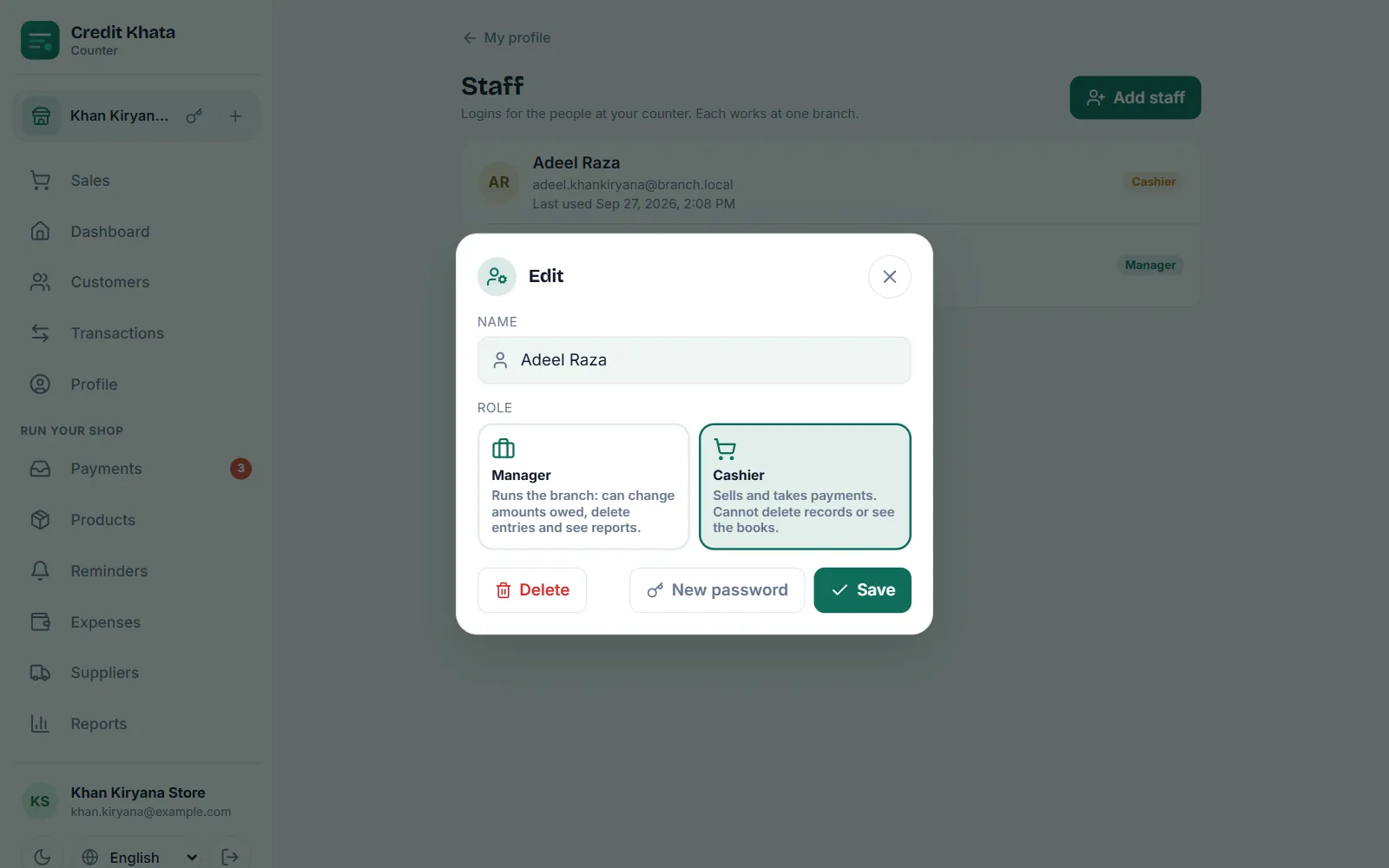
Give each person their own login. Cashiers sell, take payments and remind; managers also fix records and see the books; only the owner handles staff, branches and the business's data.
How to reduce bad debts and recover shop credit politely
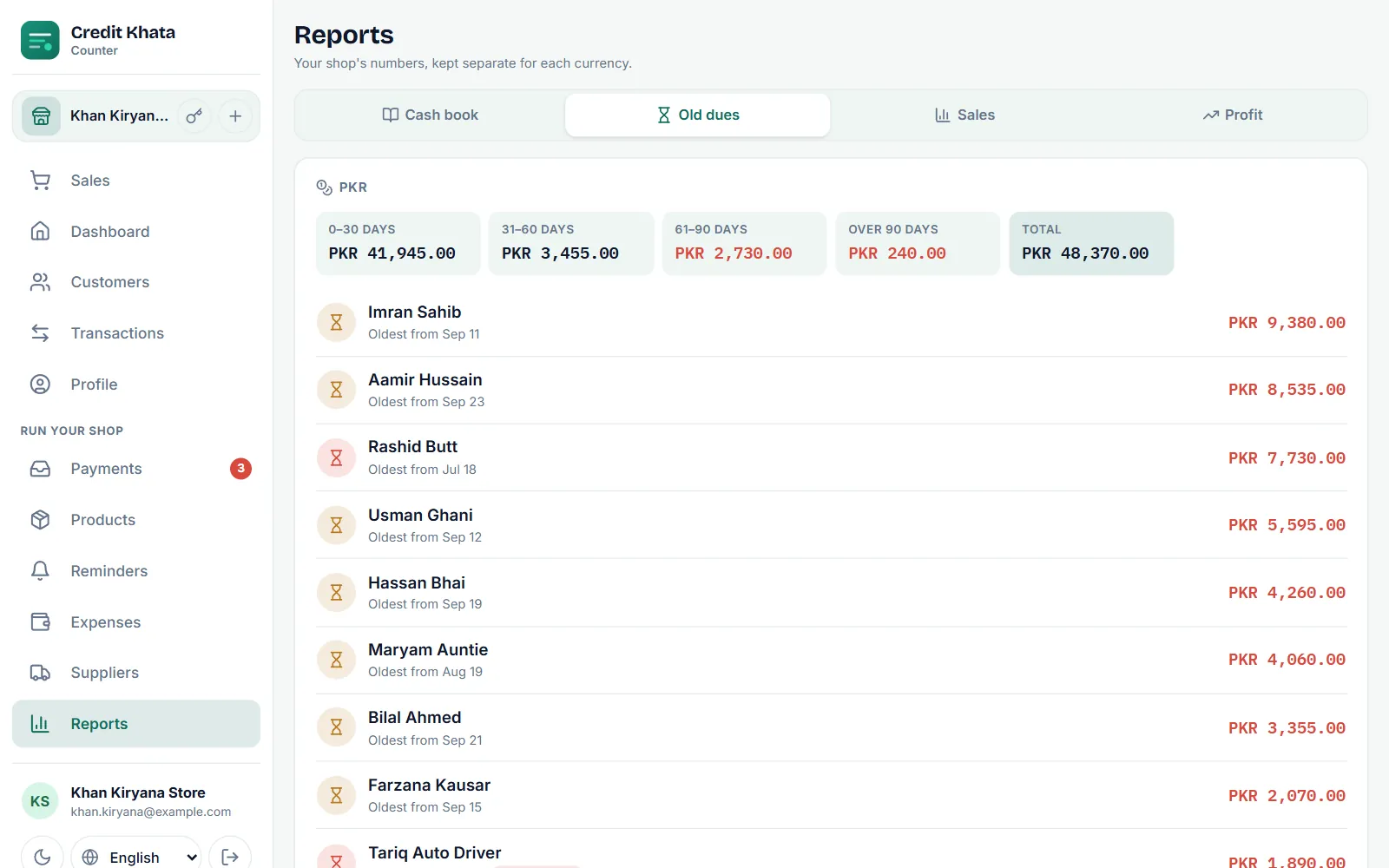
Most unpaid credit comes from drift, not bad intent: no due date, no reminder, a disputed total. Prevent it with limits and clear entries, then follow a polite, steady ladder.
Moving from a paper khata register to an app, step by step
Pick a switch-over date, total each customer's page, add them to the app with that total as the opening balance, share each khata so customers can check it, then write only in the app.
How to set credit limits for your shop's customers
Base each customer's limit on one pay cycle of their normal purchases, start new customers low, pair every limit with a due date, tell the customer, and review limits monthly.
How to manage credit in a kiryana or general store
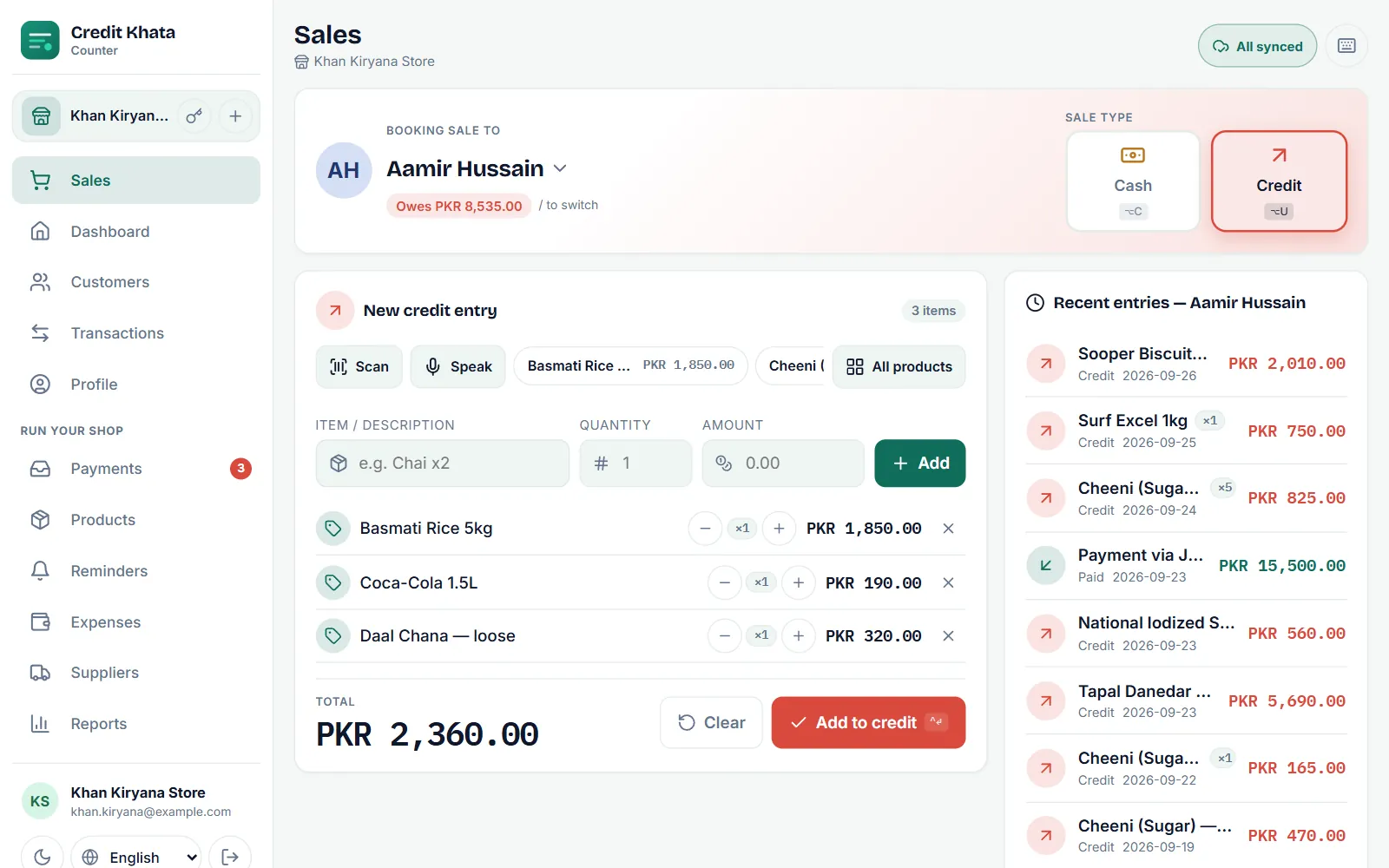
Decide who gets credit, set a limit and a due date for each customer, write every entry with its items, record every payment, review old dues weekly and remind politely.
Work offline and keep your ledger in sync
Sales rung up without internet are saved on the device, marked Pending, and upload by themselves in order, exactly once, when the connection returns. Check the sync pill.
Set a credit limit and a due date for a customer
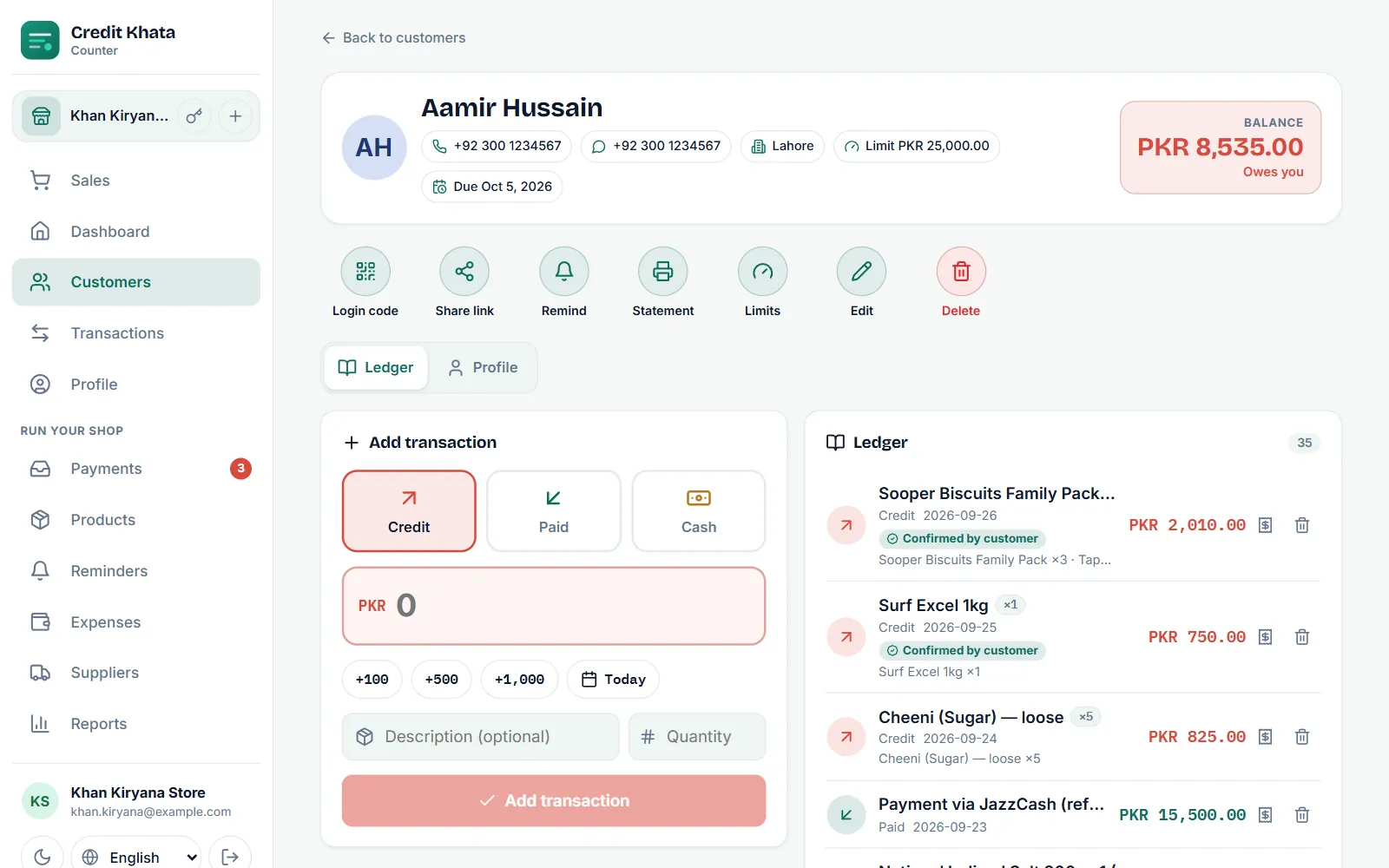
Open the customer, tap Limits, enter a Credit limit and pick a Pay by date, then Save. The counter warns before a sale goes past the limit; late accounts show as Overdue.
Send payment reminders on WhatsApp or SMS
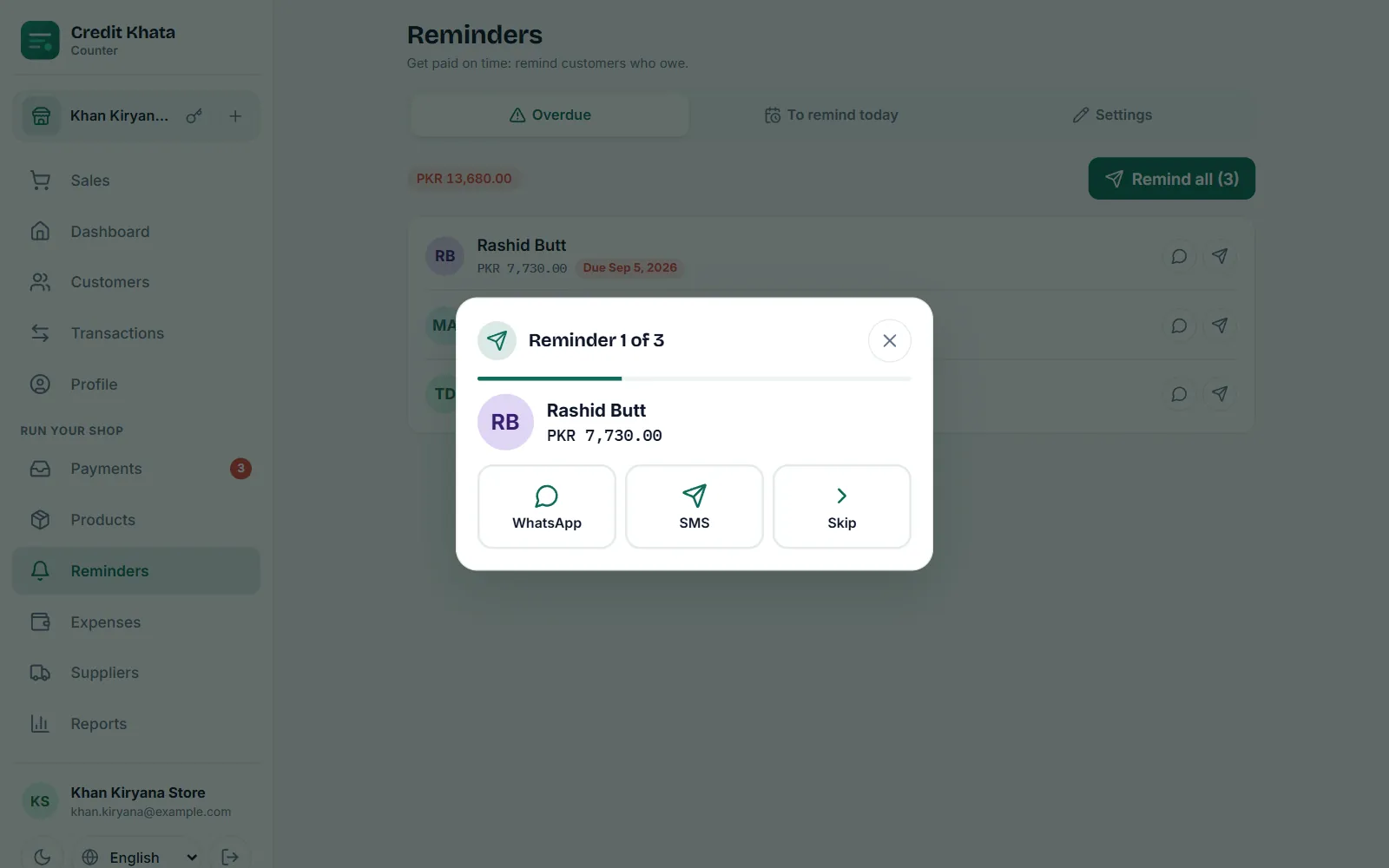
Tap Remind on a customer, or open Reminders → Overdue and tap Remind all. Each reminder opens in your own WhatsApp or SMS app with the balance, due date and a khata link.
When a customer disputes an entry: check, correct and resolve
Customers can mark any entry Looks right or Report a problem. Disputed entries show on your dashboard; check the note, fix the ledger if needed, then tap Resolve with a reply.
Record a payment received from a customer
Open the customer, choose Paid under Add transaction, enter the amount and tap Add transaction. Their balance drops at once; part payments are fine.