Moving from a paper khata register to an app, step by step
Pick a switch-over date, total each customer's page, add them to the app with that total as the opening balance, share each khata so customers can check it, then write only in the app.
On this page
- Step 1: pick a switch-over date
- Step 2: close the paper book
- Step 3: agree the totals with customers
- Step 4: open your shop account
- Step 5: add customers with their opening balances
- Step 6: share each khata
- Step 7: write only in the app from now on
- Step 8: add the extras gradually
- Step 9: your first weekly review
- A checklist
- Common worries
To move from a paper register to an app, choose a switch-over date, add up each customer's page on that date, and enter each customer in the app with that total as their opening balance. Then share each khata so customers can check the starting number, and from that day write every new entry only in the app, keeping the paper book as your archive. Most shops can do it over a quiet weekend.
The app is the easy part. The real work is agreeing the opening balances and changing one habit at the counter.
Step 1: pick a switch-over date
Choose a clear date, such as the 1st of the month or the day after most customers settle up. After a pay day is ideal: many balances will be small or zero, which means fewer numbers to carry over.
Tell your regulars a week before: "From the 1st, your khata will be on your phone as well."
Step 2: close the paper book
On the switch-over date, go through the register page by page:
- Add up each customer's page and write the total clearly at the bottom.
- Put a line under it and the date, so everyone can see where the paper record ends.
- Make a list: customer name, phone number, total owed.
If you have many customers, do this over two evenings. Accuracy matters more than speed here.
Step 3: agree the totals with customers
Before a number goes into the app, the customer should agree with it. For your regular customers, show them their page when they next come in, or send a photo of it privately. A disagreement settled now, with the paper in front of you, is far easier than one settled in six months.
Step 4: open your shop account
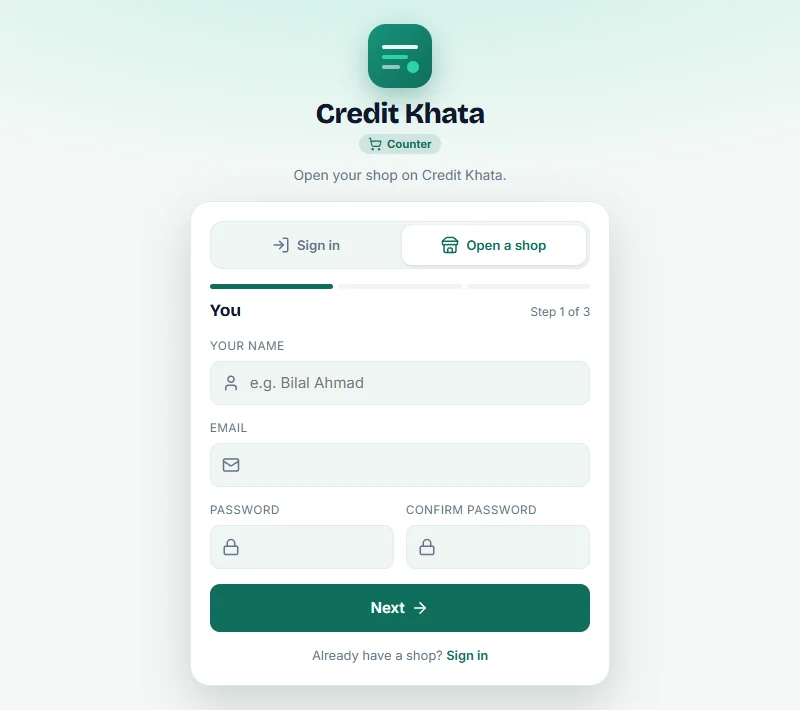
In Credit Khata, open the counter app in a browser, tap Open a shop, and follow three short steps: your name and email, your shop's name and trade, and your currency. Every new shop gets a month of Pro to try everything, and the Free plan after that costs nothing. See Open your shop account and add your first customer.
Step 5: add customers with their opening balances
For each customer on your list:
- Go to Customers → New customer.
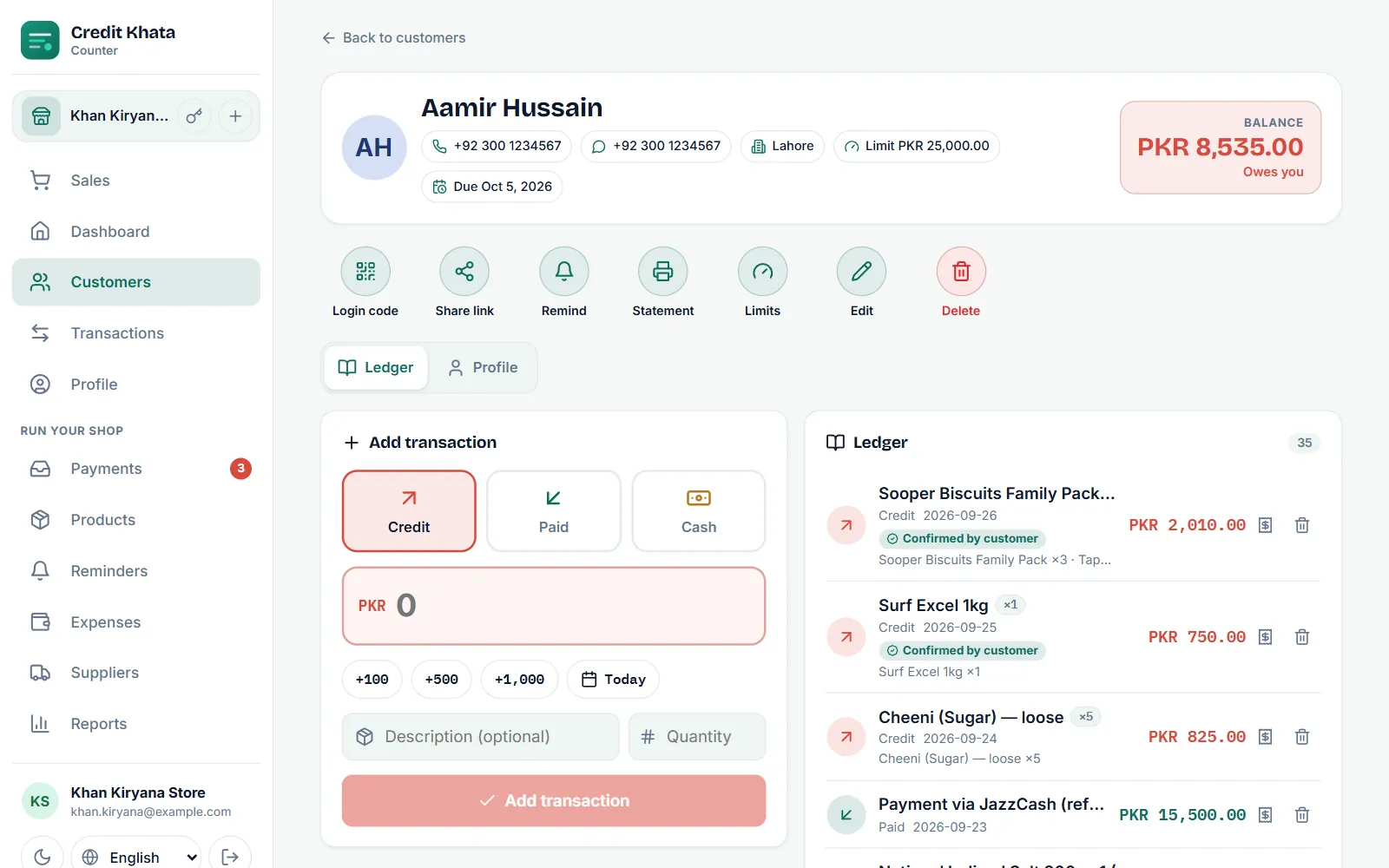
- Enter the Name and Phone. Use the country code, such as +92 300 1234567, so reminders open the right WhatsApp chat.
- Tap Opening balance and enter the total from the paper page.
- Tap Create customer.
Start with the customers who owe the most or come most often. You do not need everyone on the first day; add the rest as they come in.
Step 6: share each khata
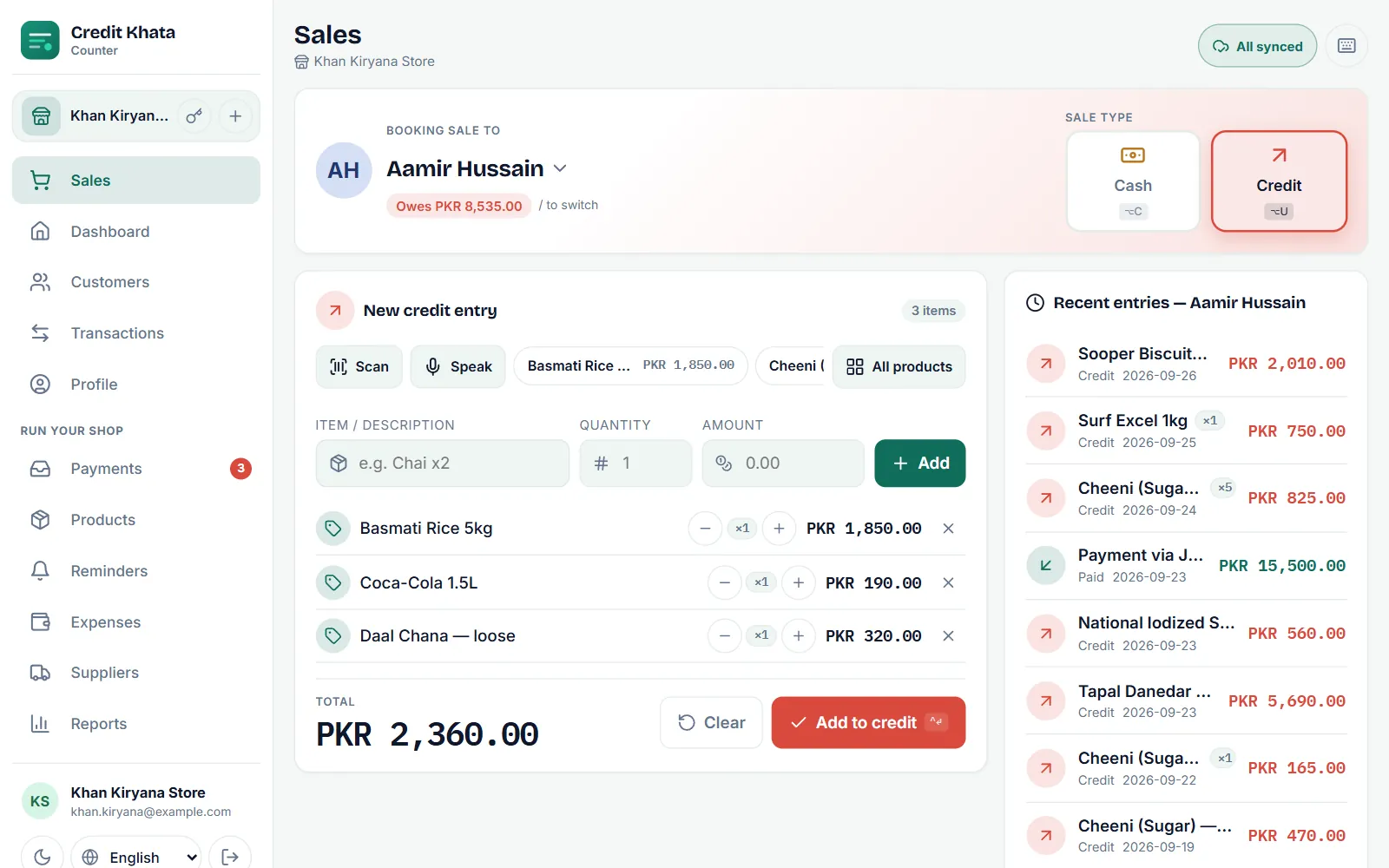
Send each customer their khata link. On their page, tap Share link and Send on WhatsApp; the link opens their account on their phone, with no app to install. They see the opening balance you agreed, and every new entry from then on.
This is the moment the switch pays off: from now on, the customer can check their own balance instead of asking you.
Step 7: write only in the app from now on
From the switch-over date, every new sale and payment goes into the app, at the counter, while the customer is there. Keep the paper register on a shelf as your archive of older detail, and stop writing in it.
It is tempting to keep both "just in case". Resist it. Two records always drift apart, and then you are back to arguing over which one is right.
Step 8: add the extras gradually
You do not need everything on day one. Over the first few weeks:
- Due dates and limits for your regulars: Set a credit limit and a due date for a customer.
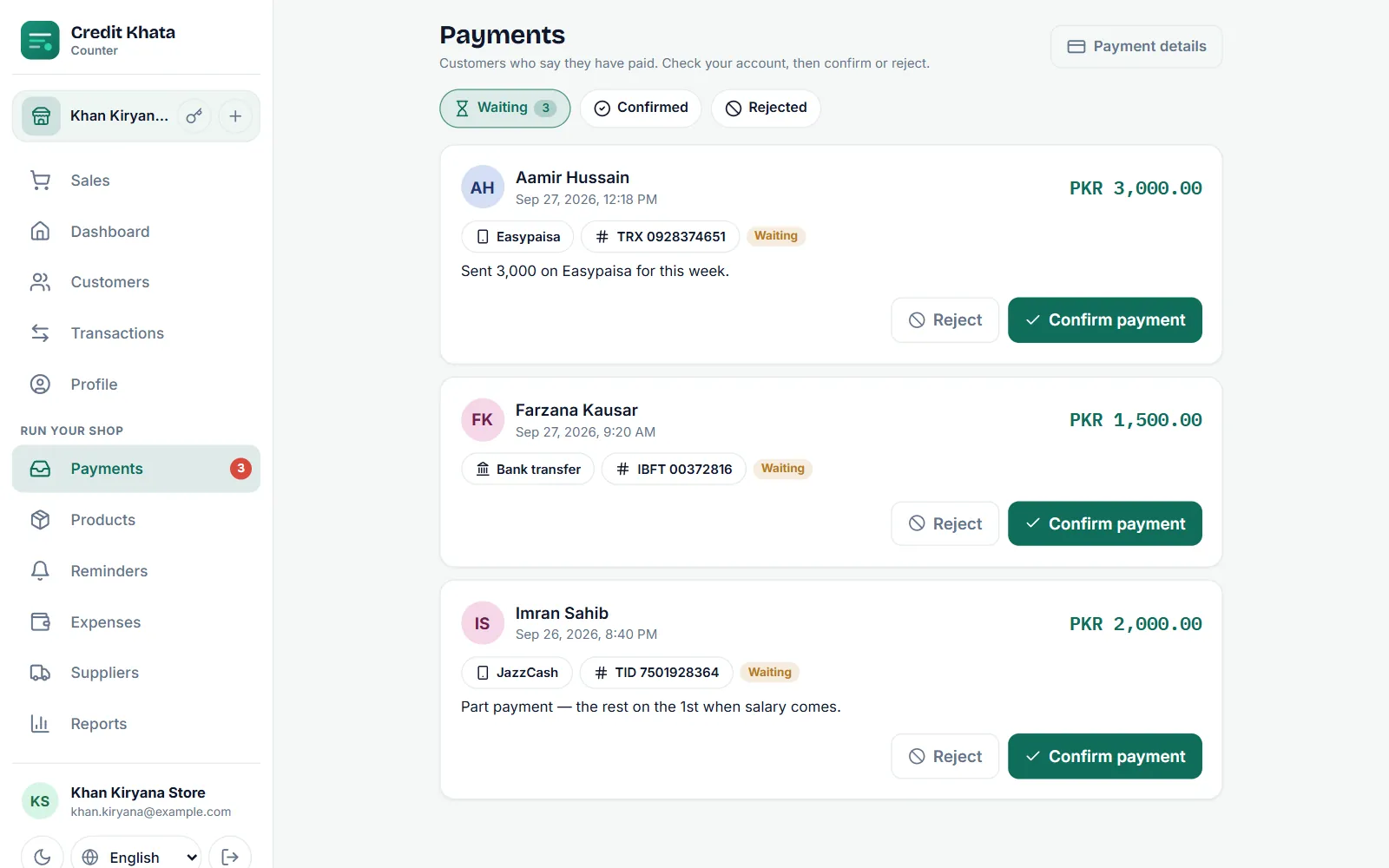
- Payment details (JazzCash, Easypaisa, Raast or bank), so customers can pay from their phones.
- Products you sell most, so ringing up is faster and stock is counted.
- Staff logins, one per person, if anyone else works the counter.
Step 9: your first weekly review
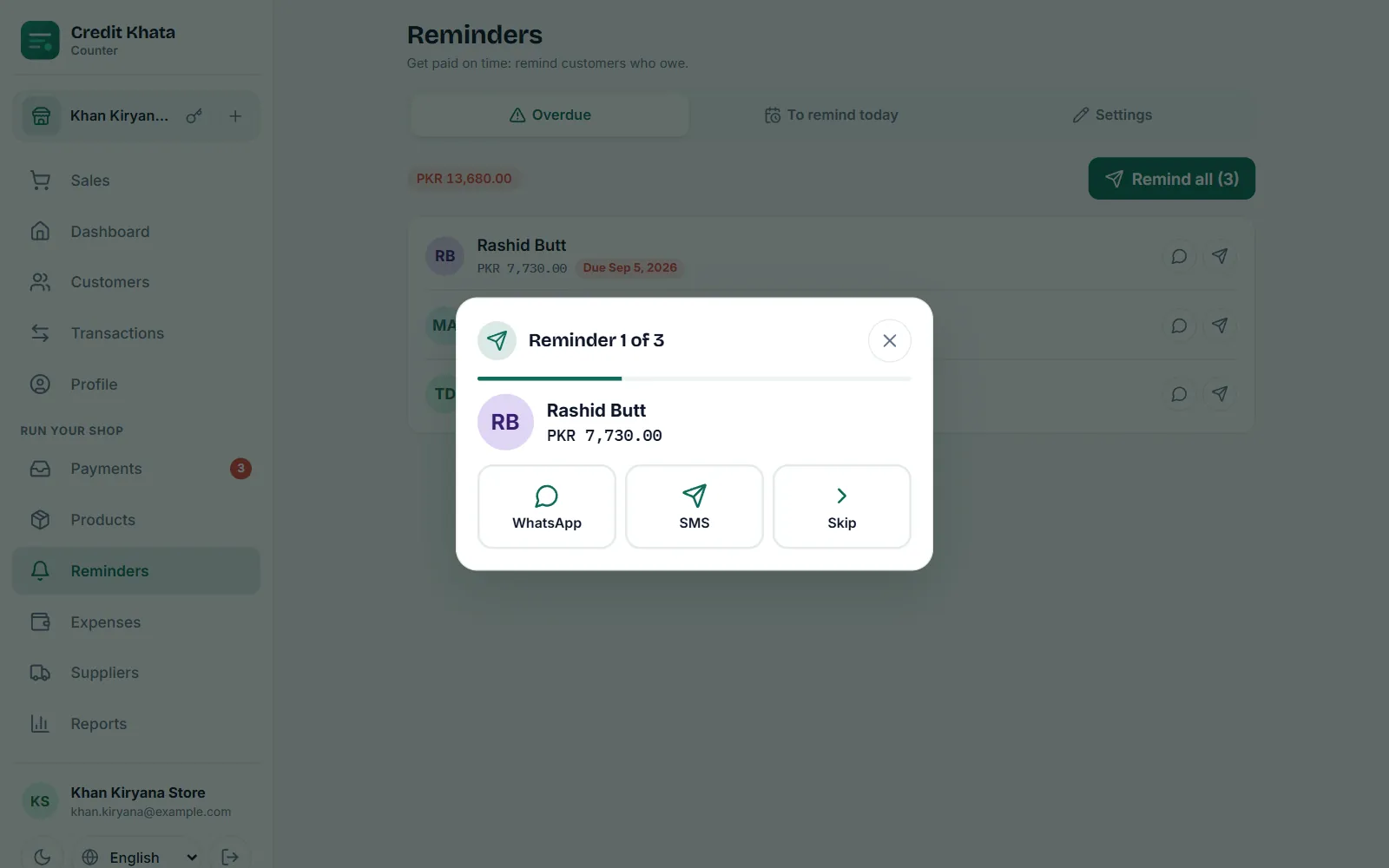
At the end of the first week, open Reports → Old dues to see who owes what and for how long, and send reminders to anyone past due. Doing this once a week is the habit that turns the app from a register into a way of getting paid.
A checklist
| Before | On the day | First month |
|---|---|---|
| Choose the date | Total every page | Add due dates and limits |
| Tell regulars | Agree totals with customers | Add payment details |
| Collect phone numbers | Open the shop account | Add main products |
| Add customers with opening balances | Create staff logins | |
| Share each khata | Weekly old dues review |
Common worries
"My customers will not use it." They do not have to. The khata works whether or not a customer opens it; those who do simply get to check it themselves.
"Some customers have no smartphone." Keep writing their entries as usual. Print or share their statement whenever they ask: Print or share a customer's account statement.
"The internet at my shop is poor." Credit Khata saves sales on the device and uploads them when the signal returns.
"I am not good with phones." Start with only three actions: add a customer, book credit and record a payment. Everything else can wait.
If you are still weighing up whether to switch at all, read What is a khata book? Digital khata vs the paper register.
Frequently asked questions
Do I have to enter all my old entries into the app?
No. Total each customer's page on the switch-over date and enter that total as their opening balance. Keep the paper register as your archive for the older detail.
Should I keep writing in the paper book as well?
Not for long. Writing everything twice brings back two versions of the truth. Choose the app as your record from the switch-over date.
What if a customer disagrees with their opening balance?
Sit down with the paper page and go through it together before you enter the number. Agreeing it once, at the start, saves many arguments later.
What about customers without a smartphone?
They can still have a khata. You keep writing their entries, and you can print or share a statement for them whenever they ask.
Was this post helpful?