
Topic
#credit book
Articles about credit book from the Credit Khata blog and help centre.
Why an offline-first ledger matters for small shops
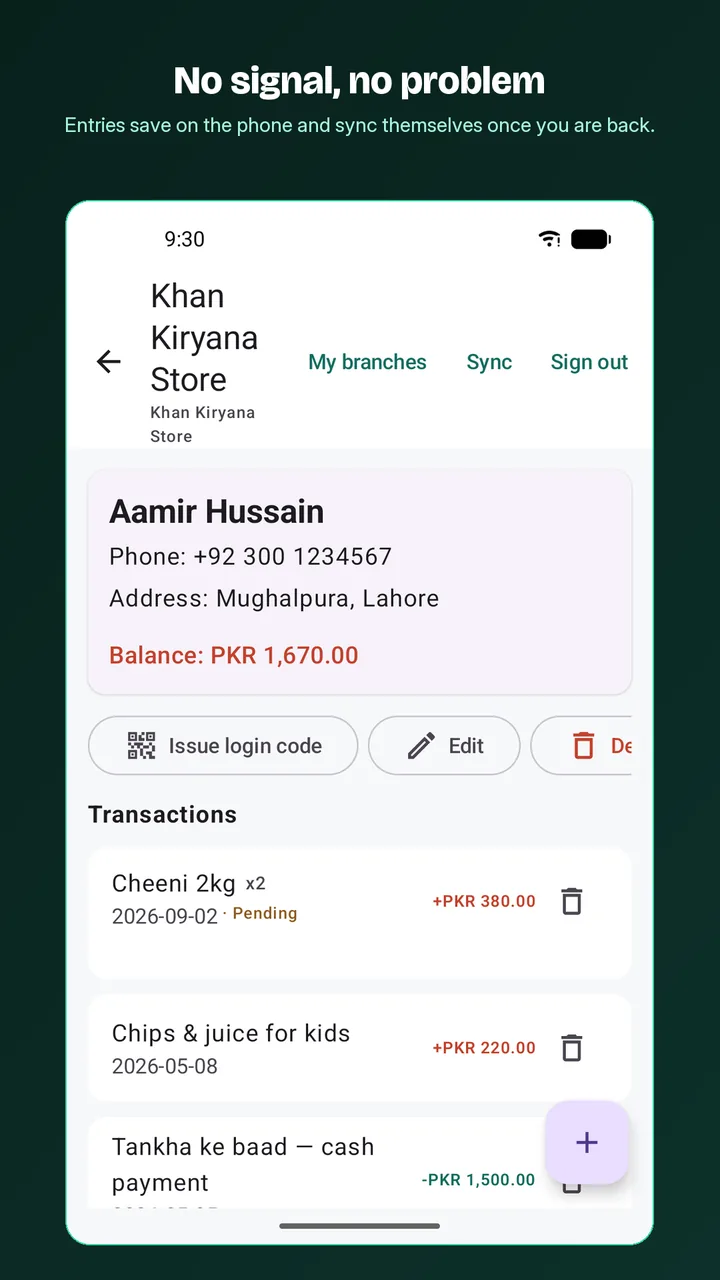
An offline-first ledger saves each entry on the device first and uploads it later, so the counter never waits for the network, and a careful sync makes sure nothing is lost or doubled.
What is a credit book? Digital credit book vs the paper register
A credit book is a shop's credit register: who took goods on credit, and who has paid. A digital credit book keeps the same record but adds totals, backups, reminders and a customer view.
Moving from a paper credit register to an app, step by step
Pick a switch-over date, total each customer's page, add them to the app with that total as the opening balance, share each account so customers can check it, then write only in the app.
When a customer disputes an entry: check, correct and resolve
Customers can mark any entry Looks right or Report a problem. Disputed entries show on your dashboard; check the note, tap Resolve with a reply, and correct the ledger if needed.
Record a payment received from a customer
Open the customer, choose Paid under Add transaction, enter the amount and tap Add transaction. Their balance drops at once; part payments are fine.
Print or share a customer's account statement
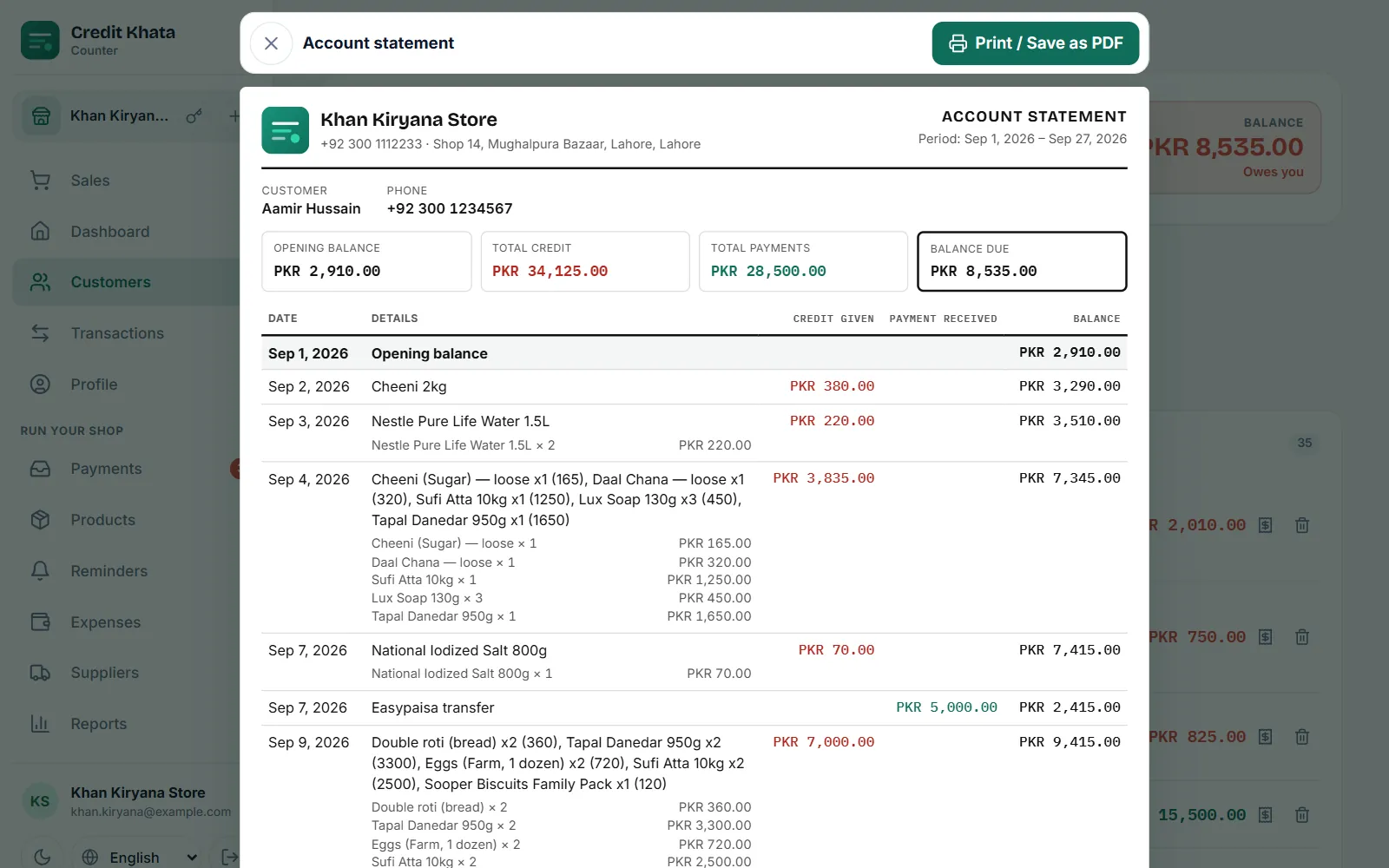
Open the customer, tap Statement, pick the period and tap Open statement. Then use Print / Save as PDF to print it or keep a PDF you can send on WhatsApp.
Open your shop account and add your first customer
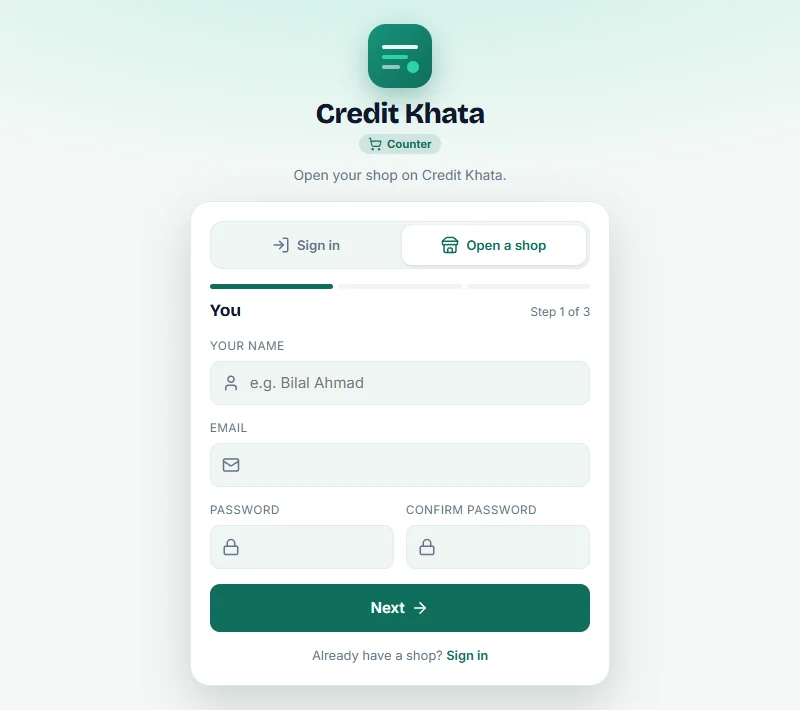
In the counter app tap Open a shop and finish three short steps. Then go to Customers → New customer, add a name, phone and any old balance, and share their account.
For customers: open your account, check entries and pay the shop
Open the link your shop sent, or enter their login code. You see your balance and every entry; tap an entry to confirm or report it, and tap Pay, then I've paid, to pay them.
Add your JazzCash, Easypaisa or bank details so customers can pay you
Go to Payments → Payment details, tap JazzCash, Easypaisa, Raast or Bank transfer, enter the account name and number and Save. Customers see them when they tap Pay.