How to move from paper credit register to app, step by step
Pick day to change over, add up each customer page, put dem for di app with dat total as opening balance, share each account so customers fit check am, den write only for di app.
For this page
- Step 1: pick change-over date
- Step 2: close di paper book
- Step 3: agree di totals with customers
- Step 4: open your own shop account
- Step 5: add customers plus their opening balances
- Step 6: share each account with di customer
- Step 7: write only for di app from now
- Step 8: add di extras small small
- Step 9: your first weekly check
- Checklist
- Common worries
To move from paper register to app, choose change-over date, add up each customer page for dat date, and put each customer for di app with dat total as their opening balance. Den share each account so customers fit check di starting number, and from dat day write every new entry only for di app, and keep di paper book as your archive. Most shops fit do am for one quiet weekend.
Di app na di easy part. Di real work na to agree di opening balances and to change one habit for di counter.
Step 1: pick change-over date
Choose clear date, like di 1st of di month or di day after most customers don settle. After pay day na di best: plenty balances go small or zero, wey mean say fewer numbers to carry over.
Tell your regular customers one week before: "From di 1st, your account go dey your phone too."
Step 2: close di paper book
For di change-over date, go through di register page by page:
- Add up each customer page and write di total clear clear for di bottom.
- Draw line under am and write di date, so everybody fit see where di paper record end.
- Make list: customer name, phone number, total wey dem owe.
If you get plenty customers, do am for two evenings. To get am correct important pass speed here.
Step 3: agree di totals with customers
Before any number enter di app, di customer suppose agree with am. For your regular customers, show dem their page when dem come next time, or send photo of am privately. Quarrel wey una settle now, with di paper for your front, easy pass one wey una go settle after six months.
Step 4: open your own shop account
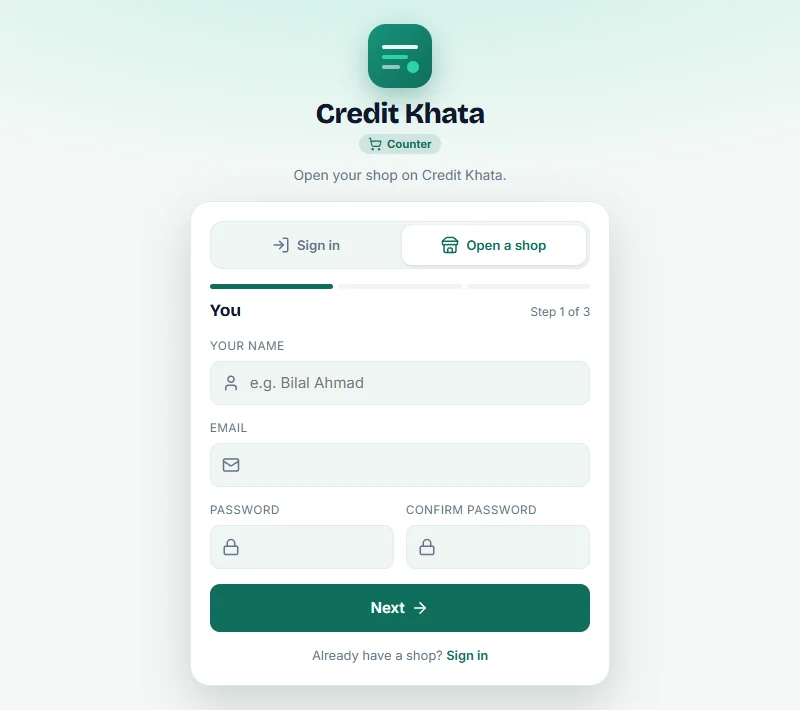
For Credit Khata, open di counter app for browser, tap Open shop, and follow three short steps: your name and email, your shop name and business, and your currency. Every new shop dey get one month of Pro to try everything, and di Free plan after dat no cost anything. See Open your shop account, den add your first customer.
Step 5: add customers plus their opening balances
For each customer for your list:
- Go Kostoma dem → New kostoma.
- Put di Name and Phone. Use di country code, like +234 803 123 4567, so reminders go open di correct WhatsApp chat.
- Tap Opening balance and put di total from di paper page.
- Tap Create kostoma.
Start with di customers wey owe pass or wey dey come pass. You no need everybody for di first day; add di rest as dem dey come.
If your list don already dey spreadsheet, Bring in kostoma dem for di Kostoma dem screen dey read CSV or Excel (.xlsx) file, or your phone contacts, and e go let you match di columns before anything enter. Di Free plan get limit on how many customers you fit add; Pro, wey every new shop dey get for im first month, no get limit.
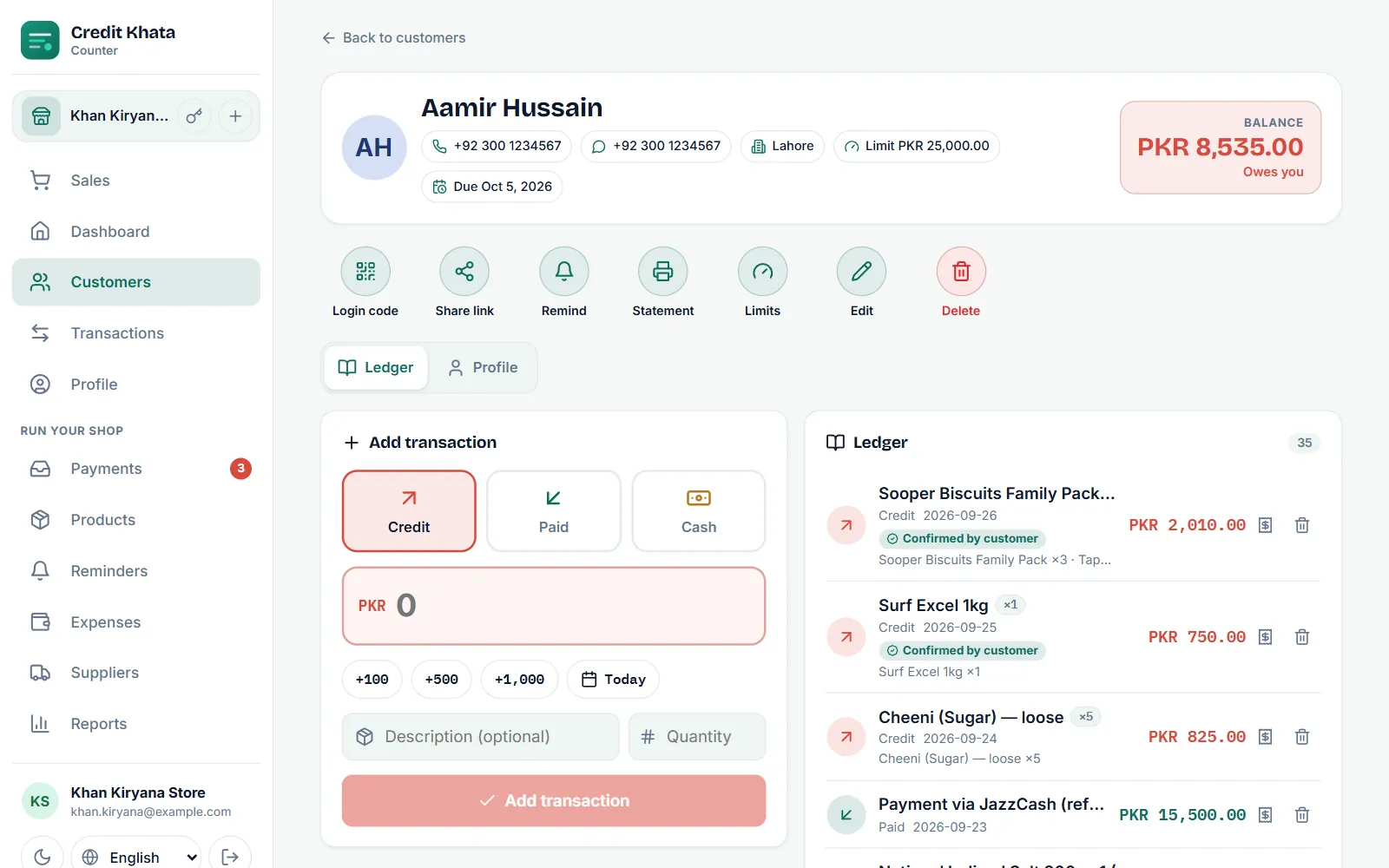
Step 6: share each account with di customer
Send each customer their own link. For their page, tap Share link and Send am for WhatsApp; di link go open their account for their phone, no app to install. Dem go see di opening balance wey una agree, and every new entry from dat time.
Na dis moment di change go start to pay: from now, di customer fit check their own balance instead of to ask you.
Step 7: write only for di app from now
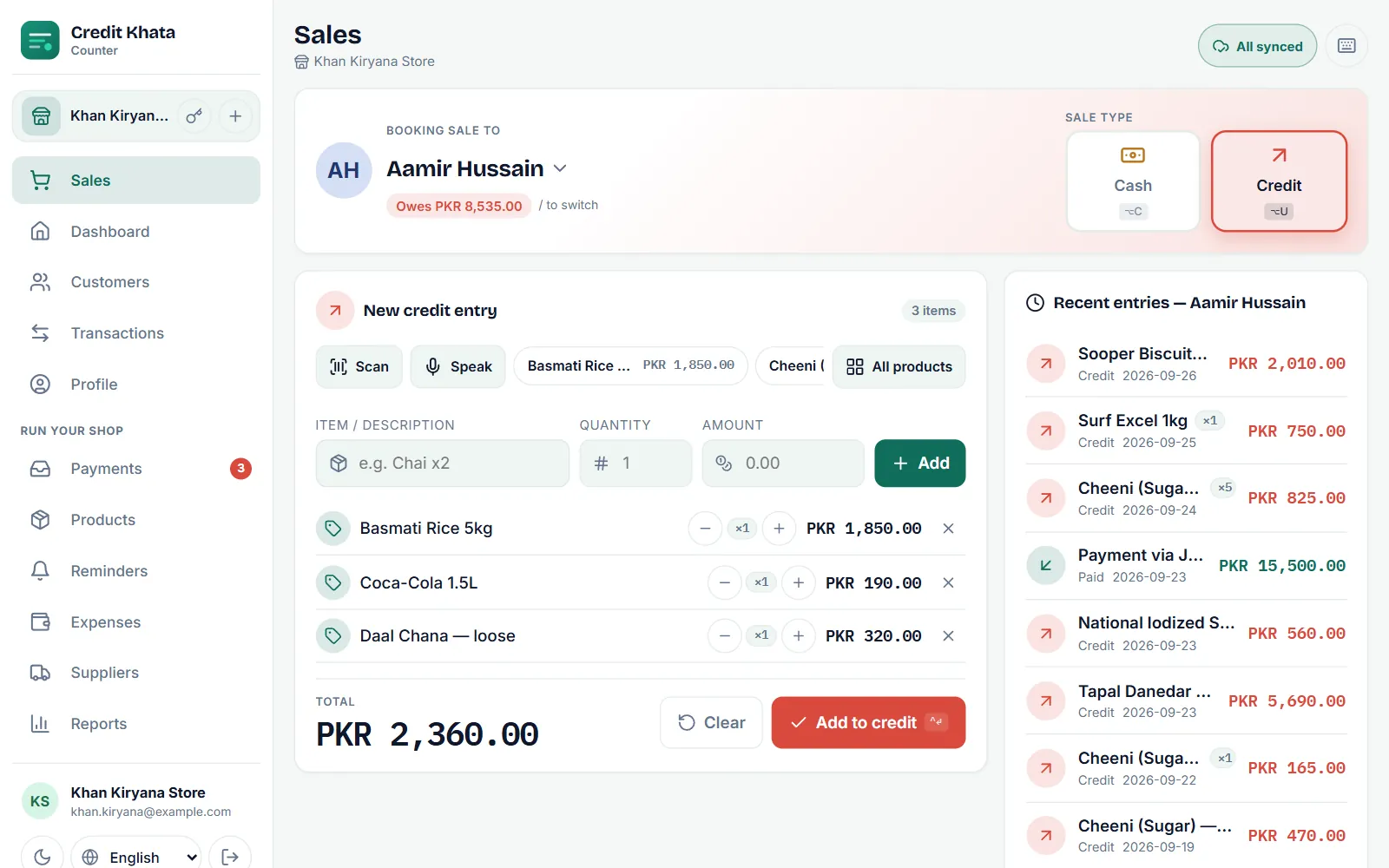
From di change-over date, every new sale and payment go enter di app, for di counter, while di customer dey there. Keep di paper register for shelf as your archive of old details, and stop to write inside am.
E dey sweet to keep both "just in case". No do am. Two records go always scatter, and you go come back to quarrel on which one correct.
Step 8: add di extras small small
You no need everything for di first day. For di first few weeks:
- Due dates and limits for your regular customers: Set credit limit and due date for customer.
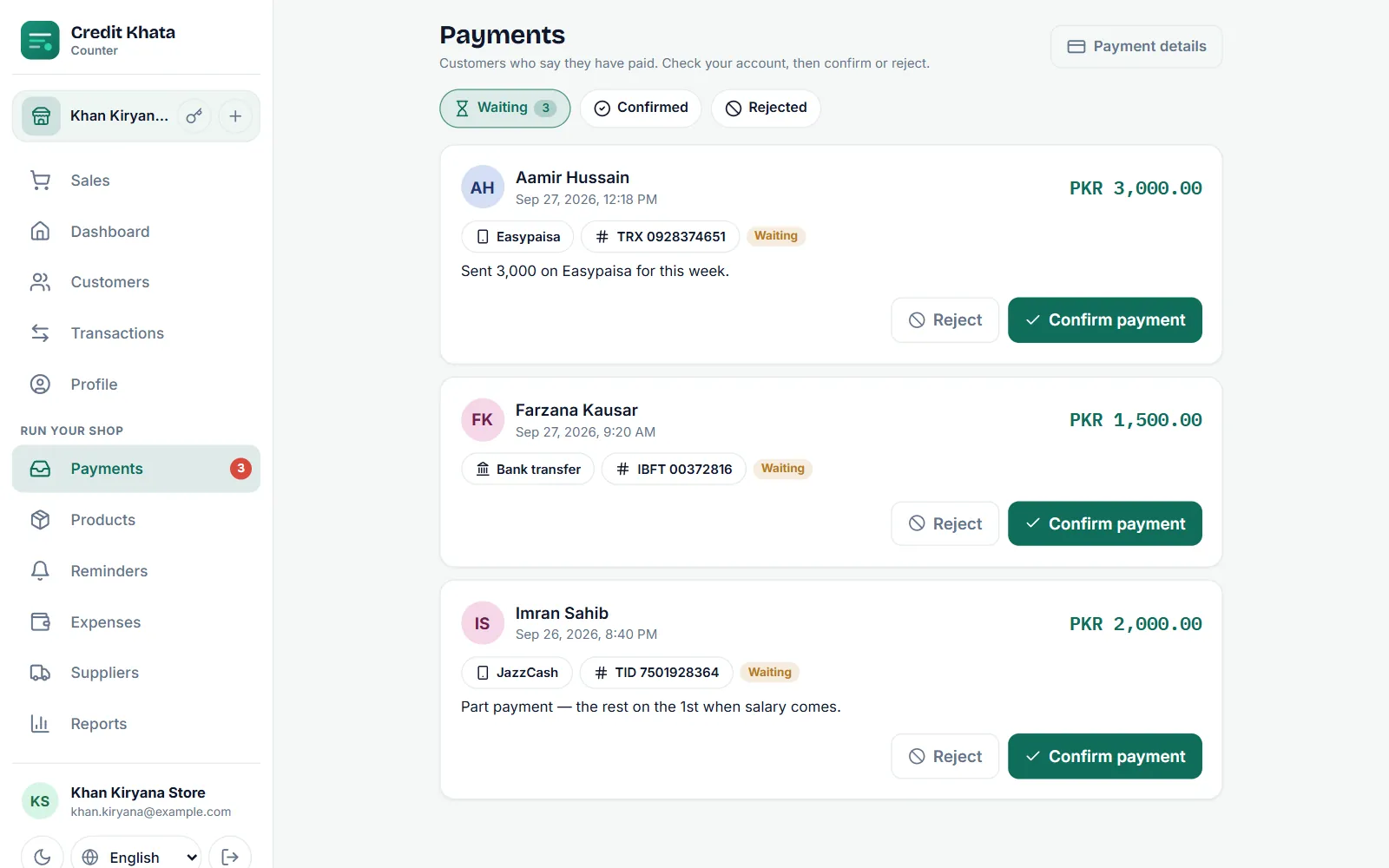
- Payment details (JazzCash, Easypaisa, Raast or bank), so customers fit pay from their phones.
- Products wey you dey sell pass, so to ring sale go fast and stock go dey counted.
- Staff logins, one for each person, if anybody else dey work di counter (na Pro feature).
Step 9: your first weekly check
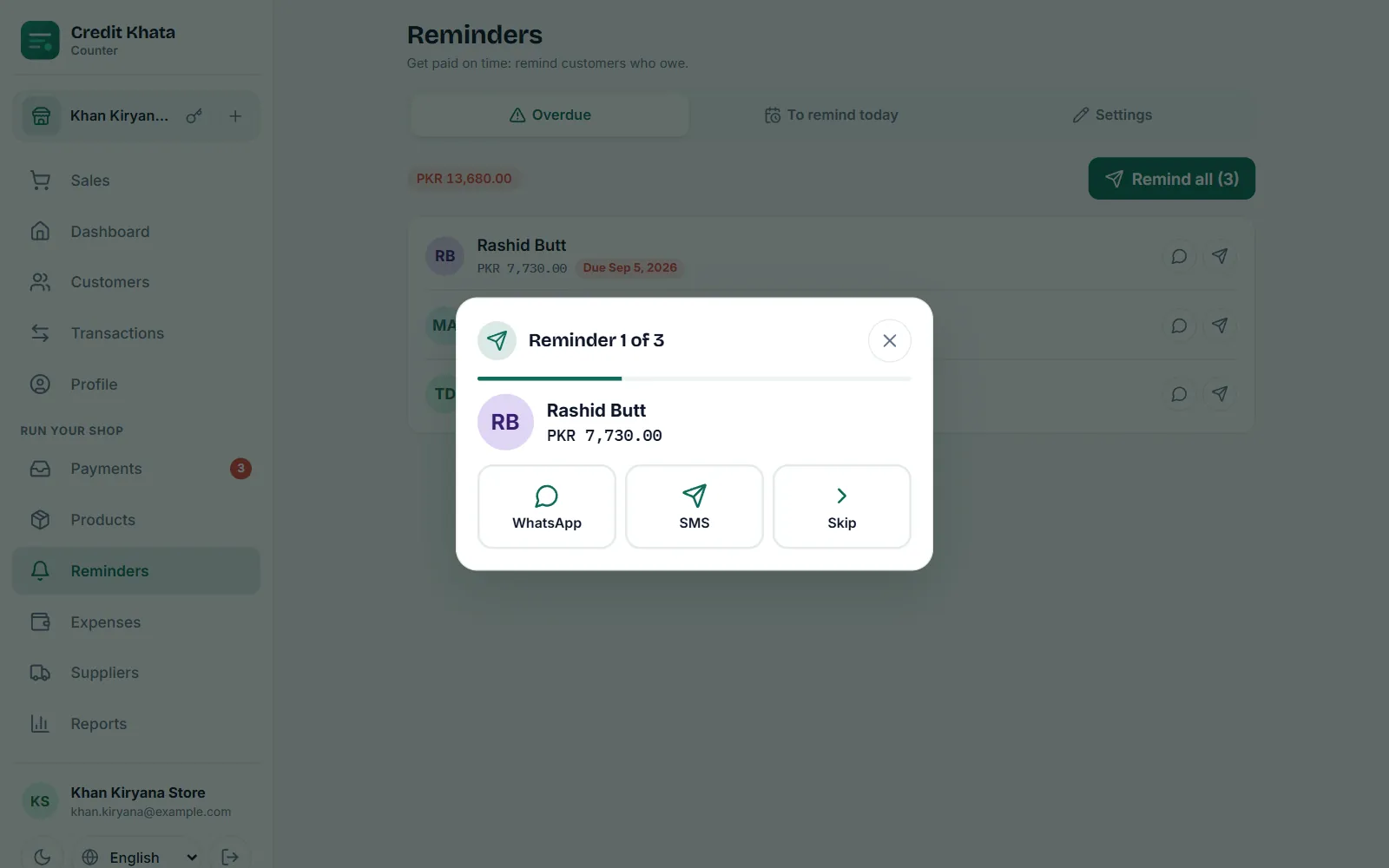
For di end of di first week, open Reports → Old debts to see who owe wetin and for how long, and send reminders to anybody wey time don pass. To do dis once every week na di habit wey go turn di app from register to way to collect your money.
Checklist
| Before | For di day | First month |
|---|---|---|
| Choose di date | Add up every page | Add due dates and limits |
| Tell regular customers | Agree totals with customers | Add payment details |
| Collect phone numbers | Open di shop account | Add main products |
| Add customers with opening balances | Create staff logins | |
| Share each account | Weekly old debts check |
Common worries
"My customers no go use am." Dem no must. Di ledger dey work whether customer open am or not; those wey open am just go fit check am by themselves.
"Some customers no get smartphone." Continue to write their entries as normal. Print or share their statement anytime dem ask: Print or share customer account statement.
"Network for my shop no good." Credit Khata dey save sales for di device and upload dem when network come back.
"I no too sabi phone." Start with only three things: add customer, book credit and record payment. Every other thing fit wait.
If you still dey think whether to change at all, read Wetin be credit book? Digital credit book vs paper register.
Questions wey people dey ask
I must enter all my old entries for di app?
No. Add up each customer page for di change-over date and put dat total as their opening balance. Keep di paper register as your archive for di old details.
I suppose continue to write for di paper book too?
No be for long. If you write everything two times, e go bring back two different versions of di truth. Choose di app as your record from di change-over date.
Wetin if customer no agree with their opening balance?
Sit down with di paper page and go through am together before you put di number. If una agree am once, for di start, e go save plenty quarrel later.
Wetin about customers wey no get smartphone?
Dem fit still get account. You go continue to write their entries, and you fit print or share statement for dem anytime dem ask.
This post help you?